 Blog Kazawallet
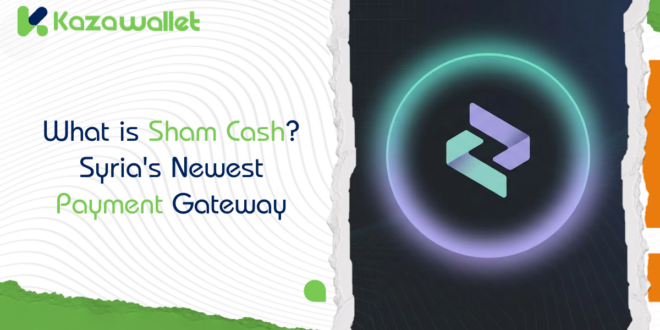
Sham Cash app is an authorized financial application in Syria, officially approved for government salary disbursements, bill payments, and fund transfers across three major currencies: Syrian Pound (SYP), US Dollar (USD), and Turkish Lira (TRY).
Distinguished by its high speed and zero transaction fees, Sham Cash can be seamlessly integrated with the Kazawallet platform for cryptocurrency trading. The app is currently available for Android through the official website, with an iOS version coming soon.
Key Features of Sham Cash
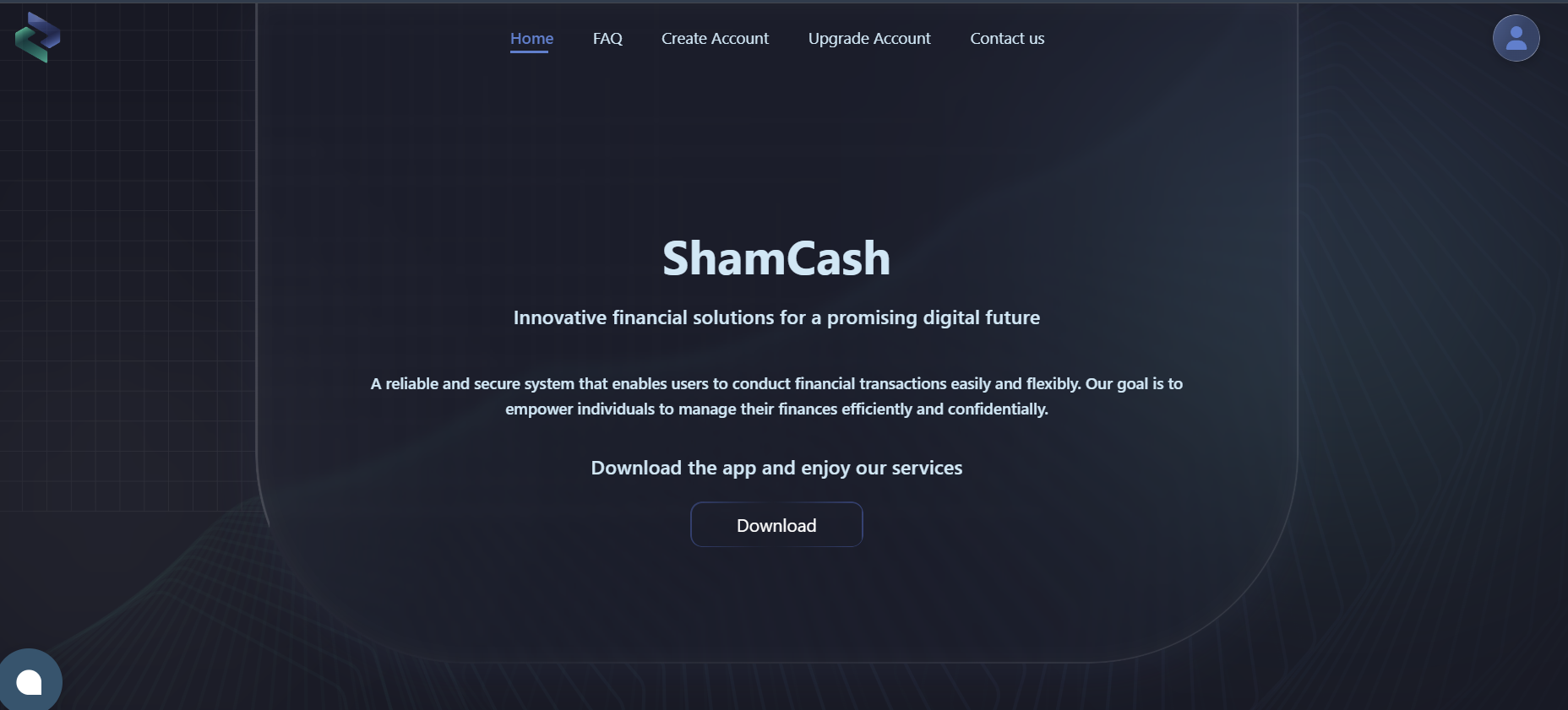
Sham Cash offers a secure financial environment for both individuals and businesses in Syria, including:
- Salary Disbursements: Officially authorized for specific government institutions.
- Utility Bill Payments: Pay for electricity, water, telecommunications, and internet services.
- Multi-Currency Support: Manage balances in SYP, USD, and TRY.
- Kazawallet Integration: Link your balances to the Kazawallet platform to deposit or withdraw USD and SYP.
- Crypto Gateway: Connect with Kazawallet to buy and sell cryptocurrencies.
How to Download Sham Cash App for Android & iPhone
For Android Users:
To ensure you download the authentic and official version, please visit the official website.
You will find direct links to the APK compatible with your Android operating system.
For iPhone (iOS) Users:
The iOS version of Sham Cash will be available on the official website very soon. Stay tuned for updates.
Step-by-Step Guide to Creating a Sham Cash Account
- Download the App: Get it exclusively from the official source.
- Start Registration: Open the app and click on “Create Account.”
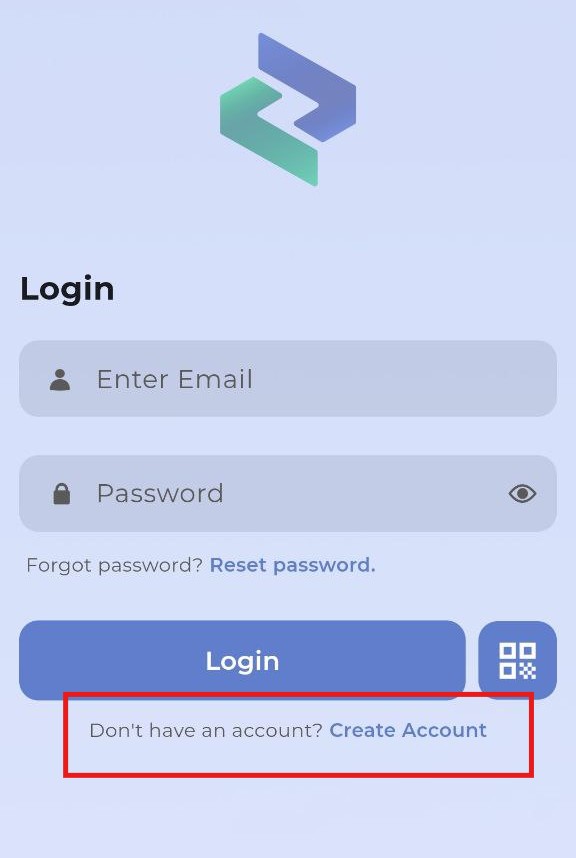
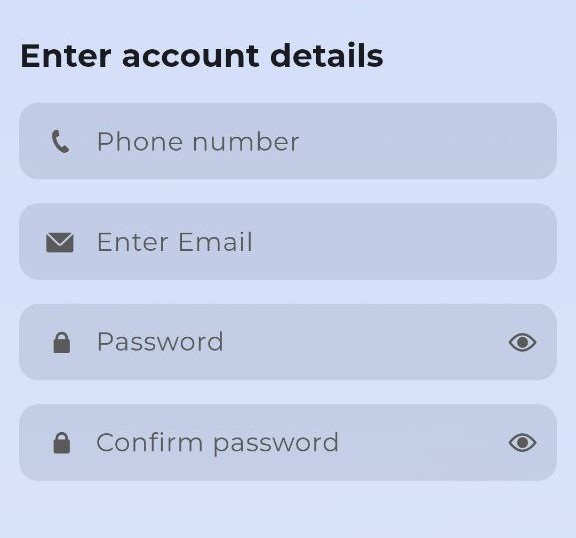
- Basic Information: Enter your phone number, email address, and a strong password.
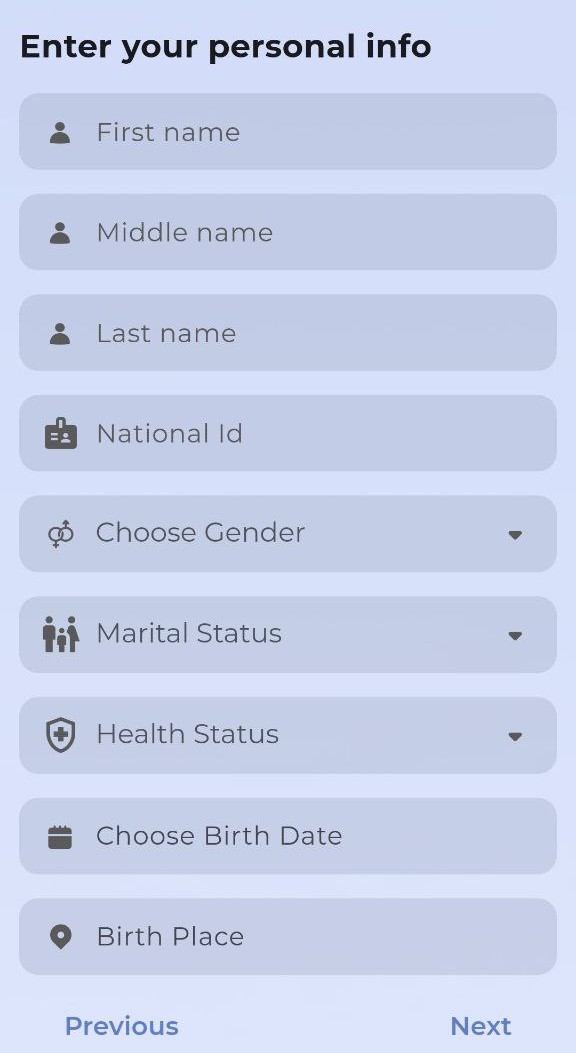
- Identity Verification: Provide your full name (triple name), National ID number, gender, date of birth, and place of birth.
- Professional Data: Enter your professional and financial details as requested.
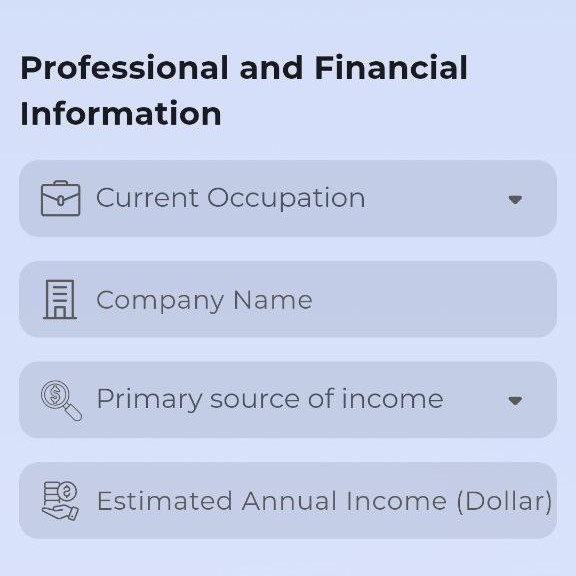
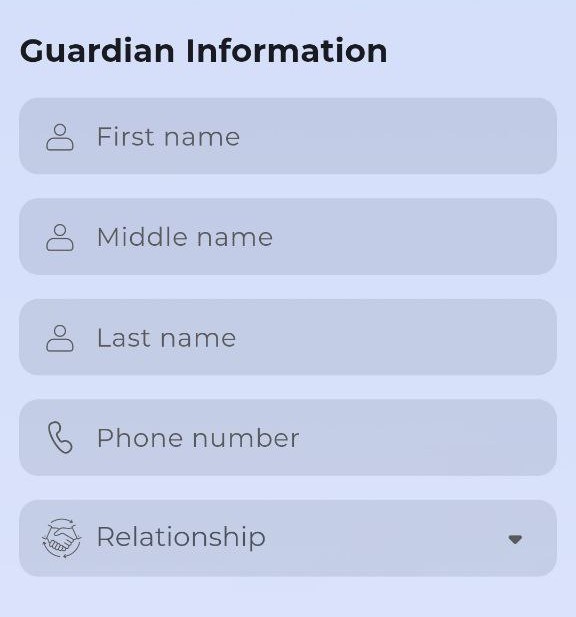
- Guardian Information: Complete the required guardian details.
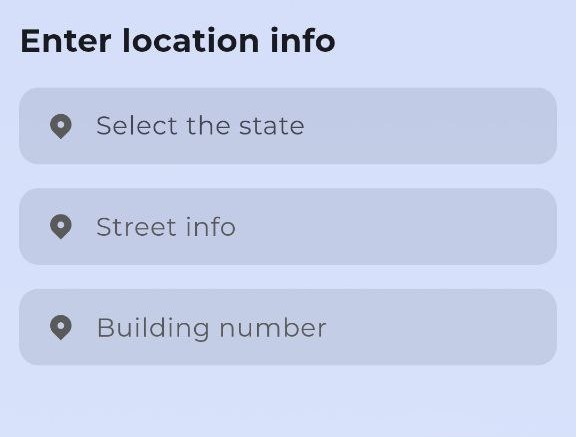
- Address Details: Select your governorate (street and building information are optional).
- Agreements: Read and accept the Terms and Conditions.
- Verification: You will receive a verification code via SMS. Enter it in the designated field to activate your account.
- Security Code: After activation, you will receive a unique security code. Copy and store it in a safe place.
- Login: Access your account using your email and password.
Official Links & Resources
- Customer Support: http://wa.me/352681116756
- Official WhatsApp Channel: https://whatsapp.com/channel/0029VagJ636CsU9ItJfxdN2u
- Official Telegram Channel: https://t.me/shamcashapp
Frequently Asked Questions (FAQ)
What are the transfer fees?
The transfer service is currently free, with no hidden charges.
What guarantees the platform’s continuity?
Sham Bank guarantees the ongoing operations and stability of the platform.
How is the platform protected against hacking?
A dedicated team of developers works constantly to ensure the security and encryption of the application.
Can I pay mobile bills or electricity via Sham Cash?
Yes, several services are being activated, including telecommunications and e-marketing payments.
What is the Next Step?
Download the app from the official source, verify your account, and start linking it with Kazawallet if you are interested in exploring the world of digital currencies.