 Blog Kazawallet
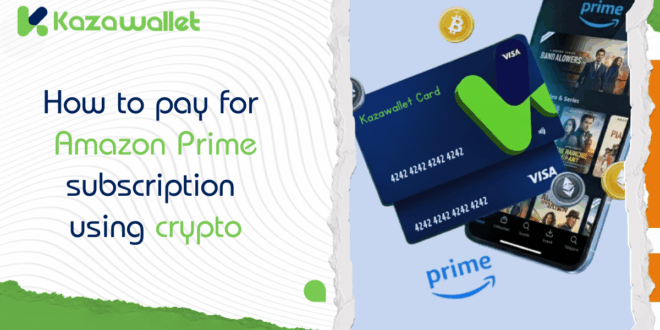
Amazon Prime is a complete entertainment package, giving you access to a huge library of movies and series via Prime Video, free games and exclusive features via Prime Gaming.
If you have a crypto balance and want to use it to enjoy these services, you face a payment hurdle, as Amazon does not accept crypto directly.
This guide explains how to use the Kazawallet card to pay for Amazon Prime subscription using crypto, and enjoy all the features instantly.
Why is the Kazawallet card the best solution for Amazon subscriptions?
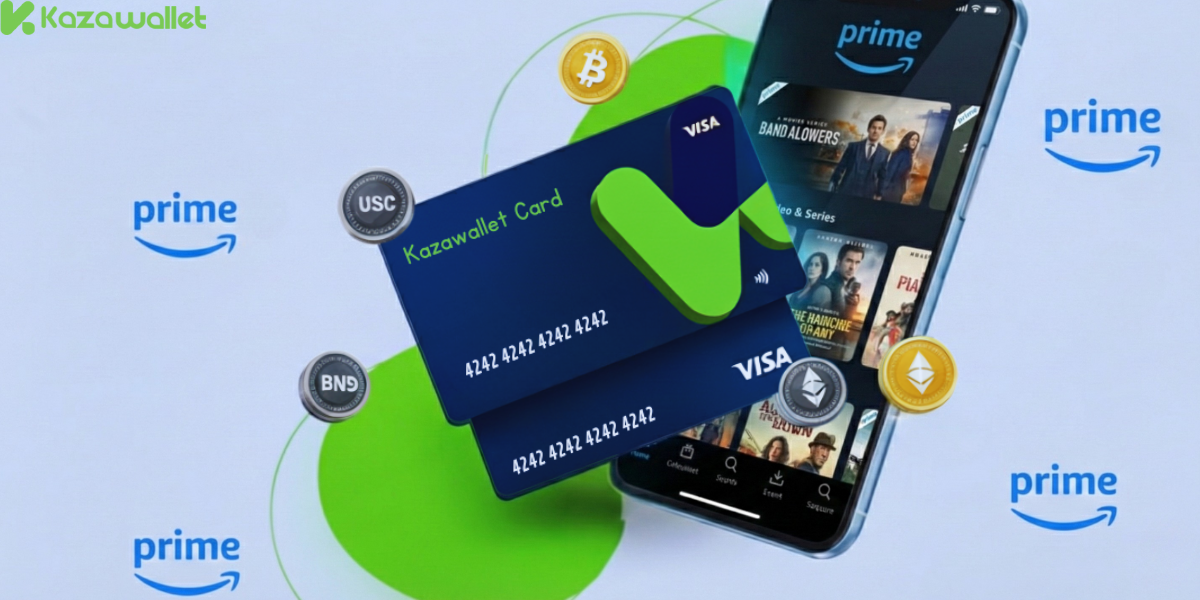
To manage a monthly or annual subscription like Amazon Prime, you need a Visa card that gives you flexibility in crypto funding and control over renewal. The Kazawallet card is designed for this:
- Convert crypto into shopping balance: You can deposit your crypto earnings (USDT, BTC…) into Kazawallet, convert them to a (USD/USDT/USDC) balance, and use it directly to pay for an Amazon Prime subscription with digital currencies.
- Control Free Trial: Amazon offers a free trial (30 days). You can sign up with the card, then freeze it from the app to prevent automatic renewal fees from being deducted after the free month ends unless you choose to.
- One card for all Amazon services: Whether you want to watch a movie on Prime Video, get Twitch rewards via Prime Gaming, or Fast Shipping, one card covers all these services.
-
Added Protection: The card is protected by (3D Secure), which means when you pay, you’ll receive an (OTP) code to your registered email to confirm the transaction and prevent fraud.
You can read the full guide on Kazawallet card features, fees, and limits
What do you need to subscribe to Amazon Prime with Crypto?
- A verified Kazawallet account: To use deposit and card services, your account must be fully verified (KYC).
- Crypto balance: Whether this balance is already in your Kazawallet (like BTC, ETH, SOL…), or you have crypto in an external wallet that you will deposit now for free.
- Kazawallet card: The virtual card must be issued. (If you don’t have one, follow the guide on how to issue a Kazawallet card.)
- An Amazon account.
How to pay for Amazon Prime subscription using crypto
To pay for Amazon Prime with crypto, you will fund your Kazawallet card with the digital currencies you own, and then use it directly in the payment process.
Stage 1: Prepare Your Kazawallet Card
In this stage, you will convert the crypto you own and want to spend into a (USD/USDT/USDC) balance ready for top-up.
- Deposit: Deposit the crypto you own (USDC, LTC, BNB, TRON, BTC, ETH, SOL, USDT, Toncoin) into your Kazawallet account. (Read How to Deposit Crypto into Kazawallet)
- Exchange: Go to the “exchange” section and exchange this crypto into a (USDT, USDC, or USD) balance.
- Top-up the Card: Top up your Kazawallet card with the balance you got from the previous conversion.
This way, your card is loaded with a balance that came from your crypto, ready to pay the subscription.
Stage 2: Subscribing to Amazon Prime
- Go to Amazon.com and sign in.
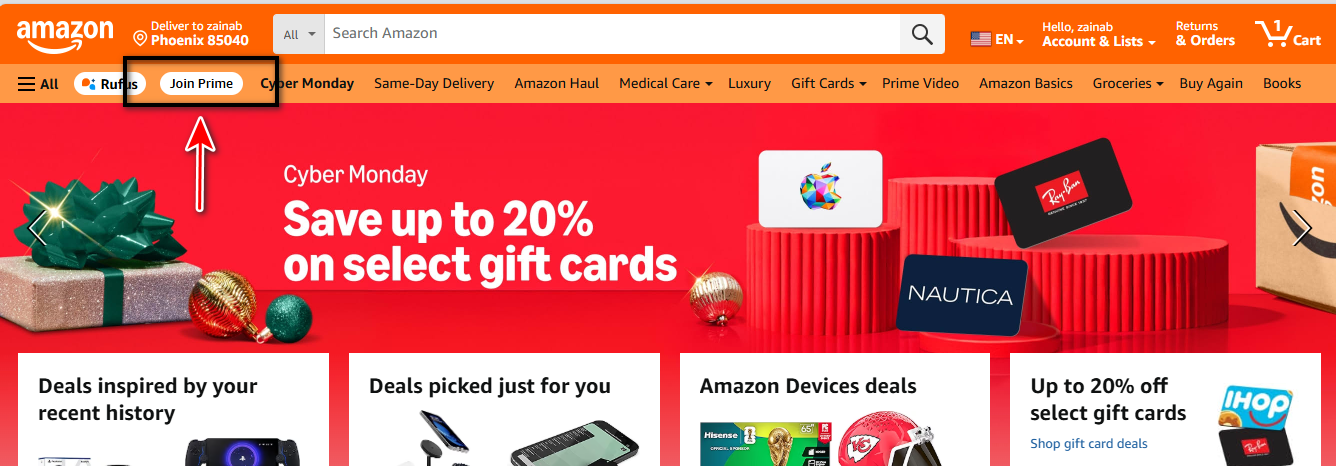
- Click on “Join Prime”.
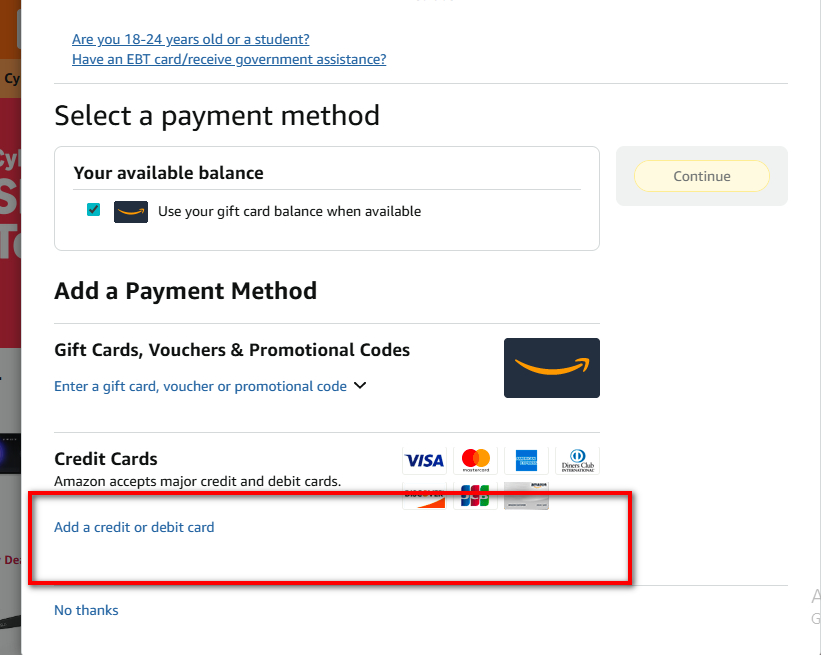
- On the payment page, select “Add a credit or debit card”.
- Go to the Kazawallet app and copy your card details (Number, Name, Date, CVV).
- (For more details, read: How to show Kazawallet card details).

Frequently Asked Questions (FAQ)
1- Does Amazon Prime subscription include Prime Video?
Yes. Amazon Prime subscription automatically includes Prime Video for movies and series, Prime Gaming for games, plus shipping benefits. You can also subscribe to Prime Video separately if you want.
2- Can I pay for Amazon Prime with crypto directly?
No. Amazon does not accept crypto. The method is to deposit crypto into Kazawallet, top up your Visa card, and then use it to pay for the subscription.
3- How do I stop automatic subscription renewal?
You have two ways: either cancel the subscription from your Amazon account settings before the period ends, or freeze the Kazawallet card from the app, which prevents Amazon from automatically withdrawing the next month’s fees.
4- Is the card accepted in Amazon Prime US and UAE?
Yes, the card is global. But be aware, Prime subscription on the US store (Amazon.com) is separate from the UAE store (Amazon.ae). You must subscribe to the store you use.
In Conclusion
You have opened up a whole world of entertainment and services.
Your crypto balance has now turned into the latest movies on Prime Video, free games on Prime Gaming, and fast shipping for your purchases.
The Kazawallet card is the tool that bundled all these features into one easy-to-pay subscription.