Seeing a “Payment Failed” message or having your card frozen suddenly doesn’t necessarily indicate a technical glitch. In fact, the Kazawallet card is functioning exactly as designed.
This rejection is an automatic system response to an attempt to use the card in an unauthorized location or in a manner that violates financial protocols.
To avoid having your card frozen and wasting time, you must understand the Kazawallet Card restricted activities and know when and where the system intervenes to stop a transaction.
First: Restricted Activities for Kazawallet Card Usage (Do Not Attempt to Pay Here)
Attempting to use a card in these categories will lead to immediate rejection:
- Money Transfer Services: The card is intended for direct purchases; therefore, it cannot be used to send funds to other people or top up other financial wallets.
- Financial Institutions: The card does not support loan repayments or direct transactions with banks and exchange bureaus.
- Illegal Gambling & Betting: The global system prohibits card usage on any sites related to betting, casinos, or lotteries.
- Private Subscriptions: The card does not work on dating sites or similar services.
- Manual Cash Withdrawal: The card is designated for online digital use only and does not allow for manual cash withdrawals from institutions (OTC).
- Automated Fuel Dispensers: When traveling, it is preferable to avoid using the card at gas stations that require direct automated payment at the pump.
- Legal Payments: The card cannot be used to pay bail or financial bonds to government entities.
Second: Common Mistakes Leading to Kazawallet Card Freezing (Misuse)
Even if you are purchasing from an allowed website, there are practices that the banking system (whether at Kazawallet or any bank globally) considers a threat or fraud, leading to an immediate card freeze:
1. Insisting on Payment Without a Sufficient Balance
Attempting to purchase a product for $50 when your balance is $49, and then repeating the attempt 3 or 4 times consecutively, is catastrophic behavior.
The system interprets this persistence as fraud or a stolen card where the thief is trying to guess the balance, so it freezes the card immediately to protect it.
2. Card Verification (The $1 Check)
When you link the card to a site that doesn’t require immediate payment (like free trials in apps, ad services, or Uber), the site attempts to withdraw a nominal amount (usually $1) to ensure the card is real and valid, then refunds it to you.
If you enter your card details while the balance is 0.00, the $1 withdrawal process will fail. If the site retries and fails again, the card will be classified as fake or invalid and will be frozen.
Never use the card while it is completely empty, even if the site says “Free.” Always keep a small reserve balance (e.g., $5) to cover these verification processes successfully.
3. Repeatedly Entering Incorrect Card Details
It might seem like a minor issue (just a typo), but be careful! Entering the card number (16 digits), expiry date, or security code (CVV) incorrectly multiple times in a row triggers a high-level security alert in the system.
Why? Because the system interprets these repeated attempts and different number combinations as a “guessing” attempt by an unauthorized person trying to steal the card. Consequently, it immediately freezes the card as a precautionary measure.
Advice: Copy the details directly from the app and paste them accurately. Also, read about How to show Kazawallet card details
4. Repeatedly Entering the Wrong Verification Code (3D Secure OTP)
You will receive a one-time password (OTP) on your phone or email to confirm the transaction. Entering this code incorrectly more than 3 times in a row will automatically lock the card to prevent theft.
Ensure you have received the correct code, do not rush when typing it, and double-check it carefully before confirming.
5. Leaving the Card Empty with Auto-Renewal Services
If you are subscribed to a service (whether a free trial requiring $1 or a paid subscription) and no longer want it, do not just leave the card empty.
Leaving an empty card linked to a site that periodically attempts to charge it (and fails) will cause the security system to freeze the card due to repeated transaction rejections.
Do not leave the card linked to a service you don’t want. Log in to the site and cancel the subscription or remove the card from the payment methods.
How to Verify Before Use?
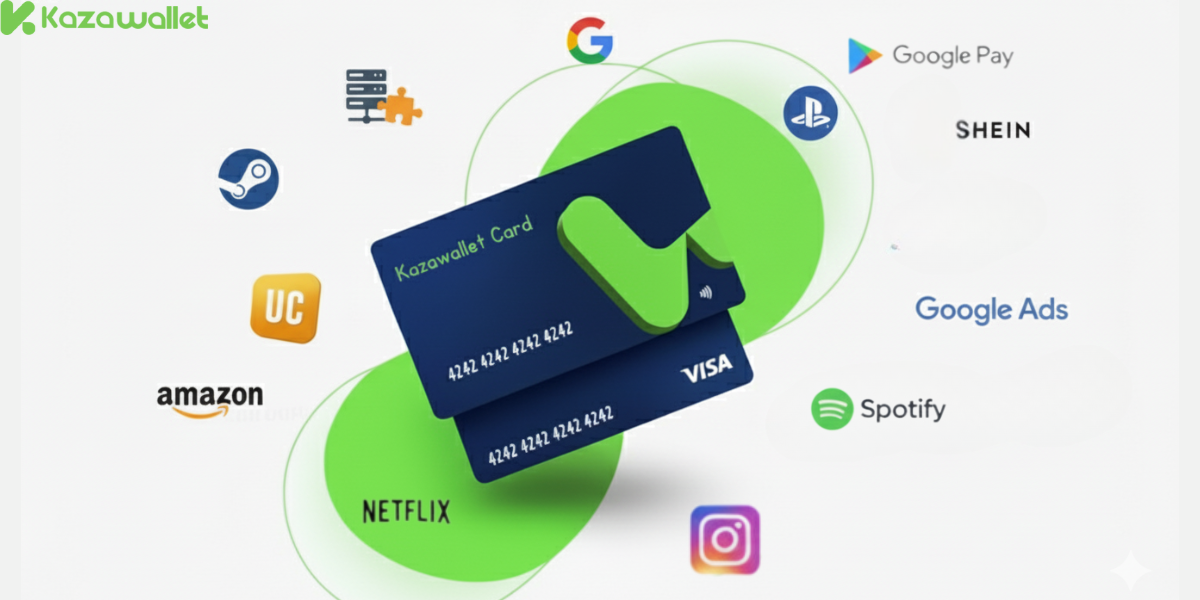
Instead of randomly guessing and risking a card freeze, you can search beforehand in the Kazawallet Approved Merchants List to see if the store or service you want is accepted via the following link:
Kazawallet – Approved Merchant List
In the End
The financial system does not recognize “good intentions”; when you try to pay at a prohibited place or with an empty card, you send a threat signal to the system, and the system responds by protecting itself and freezing the card.
So use the card for shopping and allowed services, and maintain a balance that covers your purchases, and the card will work seamlessly everywhere. Save yourself the trouble of rejection and use the tool correctly.