 Blog Kazawallet
Do you feel that managing your digital assets has become complicated amidst the clutter of apps? We designed Kazawallet to be the comprehensive solution that saves you from distraction.
No need for dozens of apps, and no more spending hours searching for a secure way to deposit or withdraw funds.
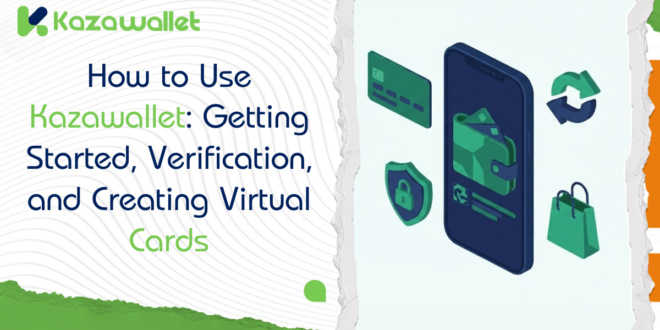
The Kazawallet digital platform was built to bring everything you need into one place: a digital wallet, payment cards, instant transfers, and merchant tools—all with a simple interface and high-level security.
This Kazawallet User Guide is your complete reference for using the wallet. We designed it to answer all your questions, from the very first click to create an account, through securing your funds with maximum protection, to linking our services with your online store.
Why is Kazawallet a safe and easy-to-use choice?
Because we understand that your biggest fears are:
- Losing funds due to a technical error or a hack.
- Difficulty dealing with complex interfaces.
- Hidden or unclear fees.
That is why we designed the Kazawallet financial platform based on three principles:
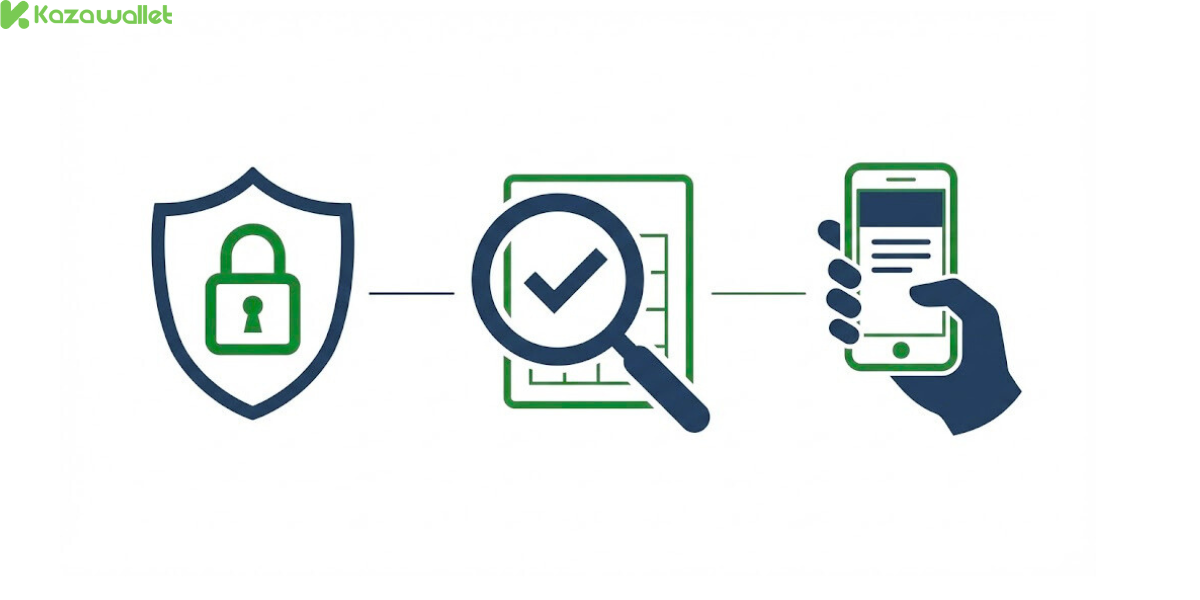
- Triple Security: Security PIN, Payment PIN, and Two-Factor Authentication (we will explain these in detail later).
- Total Transparency: All transaction fees are declared in advance—no surprises.
- Simplicity: An intuitive interface, illustrated guides, and instant technical support.
How do I start using Kazawallet step-by-step?
1. How can I create a new Kazawallet account in minutes?
We don’t ask you to fill out long forms when creating a Kazawallet account.
All it takes is installing the Kazawallet app and entering your basic data (your email and name) to own a digital wallet ready for immediate work. No complications, no waiting!
- For an illustrated explanation, you can browse Steps to Create a New Account in Detail
- Read the Guide to Installing the Kazawallet App on Android Devices
2. Why does the system request Identity Verification (KYC) and what is its benefit?
You might wonder about how to verify your Kazawallet account and why it is necessary. Verification is protection for both you and us.
Once ID documents are uploaded and facial matching is complete, your account is upgraded to unlock higher transaction limits and guarantee your legal rights in every operation.
The process is simple, and you will find full details in the Guide to Account Verification and Advanced Level Activation
How do I manage my financial operations (Deposit, Transfer, Withdraw) in Kazawallet?

1. How do I deposit into Kazawallet?
Is your wallet empty? No problem. We provide you with deposit and withdrawal methods in Kazawallet that are flexible. Whether you prefer digital currencies or traditional methods, you will find the method that suits your country and capabilities.
Commissions are transparent, and some methods are completely free. Read the Kazawallet Deposit Guide
2. How do I perform transfers in Kazawallet?
Do you want to send an amount to a friend? Or perhaps pay dues to a group of people at once?
- Individual Transfer: Instant, free, and direct to any other user on Kazawallet.
- Multiple Transfer (For Business Owners): A feature that saves you hours of work; send payments to dozens of employees or suppliers with a single button click, instead of repeating the process manually.
How do you use it?
- Read the Guide to Transferring from One Kazawallet Account to Another
- Read the Mass Payout for Multiple Transferees on kazawallet website
3. How do I perform exchange operations in Kazawallet?
No need to search for external platforms. The in-app exchange feature allows you to convert your balance (e.g., from USDT to other currencies) at real-time rates.
How does it work? Learn the details in our Guide to Exchanging Currencies.
4. How do I withdraw my funds from Kazawallet?
Have your profits arrived and you want to withdraw them? We complete the financial management cycle in several ways. You can withdraw your balance using flexible methods that suit your local needs.
For more steps, read the Guide to Withdrawing Funds from Kazawallet
5. How do I track my transactions on Kazawallet?
The Kazawallet transaction log is a precise record of every movement made in your account.
You can review the transaction history at any time to know in detail: What came in? What went out? When? And what is the status of the transaction? With the ability to filter operations to find what you are looking for quickly.
Learn how to track your expenses by reading How to Get Your Account Statement
How do I use Kazawallet cards for online purchases?
1. Kazawallet Virtual Cards: Your Virtual balance is purchasing power
Why keep your balance locked in the app? With Kazawallet Virtual Cards, you can buy from Amazon, pay for Netflix subscriptions, or fund Facebook ads directly.
Aside from that, we offer different types of Visa cards that accept crypto top-ups to suit your usage.
Create your card now after reading the Guide to Issuing and Using Kazawallet Cards
2. Can I accept payments in my store via Kazawallet?
Do you own an online store? You can accept payments via Kazawallet directly on your site. Kazawallet works as a modern Merchant Payment Gateway.
Through an easy-to-install WordPress Plugin, you allow your customers to pay with their wallet balance, and the funds reach your account immediately once the customer completes the payment.
Read the Guide to Installing the Kazawallet WordPress Plugin to link your store in minutes.
What security methods protect me inside Kazawallet?
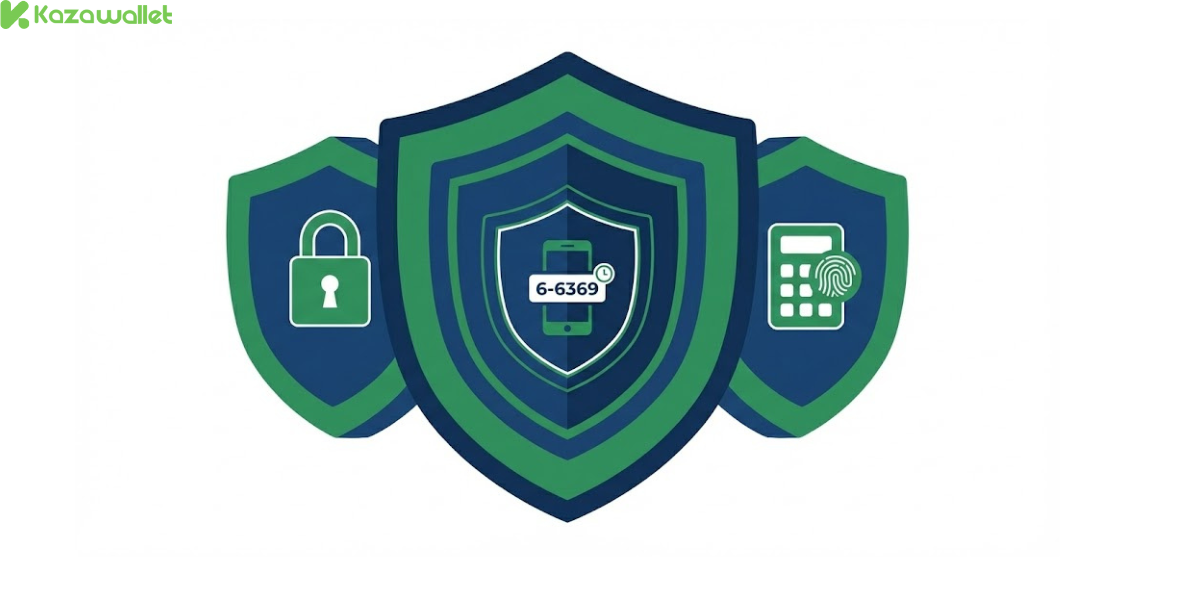
In 2026, a password alone is not enough. That is why we developed three independent security layers:
1. Security PIN
- The first line of defense when logging in or modifying sensitive account settings.
- It protects your account from unauthorized access.
2. Payment PIN
- A completely independent code, requested only when executing financial operations (withdrawal or transfer).
- Even if someone accesses your account, they will not be able to move funds without this code.
Learn How to Activate the Payment PIN to Secure Your Withdrawals
3. Two-Factor Authentication (Google Authenticator)
- The maximum protection layer. We link your account to the Google Authenticator app to generate variable codes every 30 seconds.
- This makes hacking the account nearly impossible, even if the password is stolen.
Follow the Step-by-Step Guide to Activating 2FA
Frequently Asked Questions (FAQ)
Is opening an account free?
Yes, creating an account on Kazawallet is completely free.
Can I use the wallet without verification?
You can do so within certain limits, but to enjoy full benefits and raise transaction limits, we recommend verifying immediately.
Is depositing into Kazawallet free?
Deposit commissions vary depending on each method; some are free while others have competitive and transparent fees.
What is the difference between the Security PIN and the Payment PIN?
The Security PIN is used for logging in and modifying data, while the Payment PIN is dedicated exclusively to confirming funds leaving your wallet. This separation ensures double protection.
Are transfers between Kazawallet accounts free?
Yes, internal transfers between users within Kazawallet are free and instant.
How long does account verification take?
The verification process is done quickly provided the photos are clear and the documents are valid.
What should I do if I face a problem?
Our support team is ready to help you via live chat on the website or the app.
In the end, Kazawallet was designed to adapt to you.
Whether you are an individual wanting a secure e-wallet for daily purchases, or a merchant looking for payment solutions for your store, Kazawallet is designed to adapt to your needs.
Start Now:
- Create your account for free
- Verify your account to access full features.
- Enjoy a secure, simple, and complication-free financial experience.