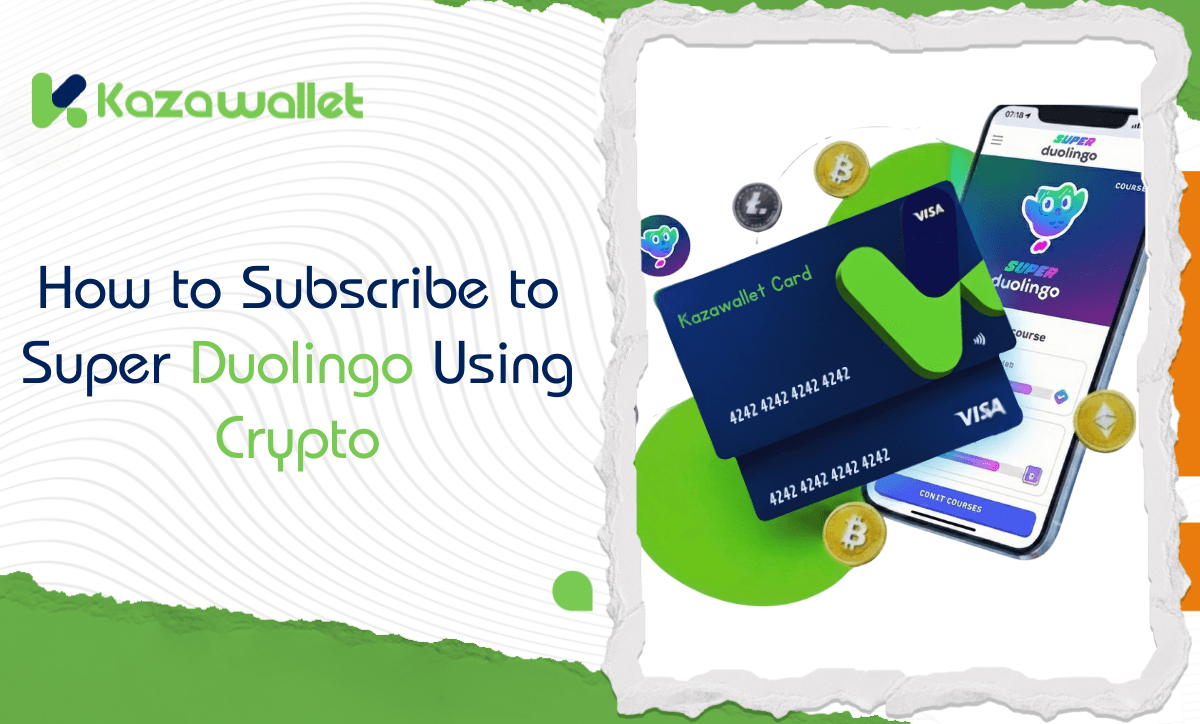
Nothing kills your enthusiasm for learning a new language more than the out-of-heart message in the middle of a lesson, or a 30-second ad appearing. Upgrading to Super Duolingo is the only way to learn seriously and quickly.
But how do you pay for the subscription if you want to invest your digital currency balance into your education? The solution is simple: Exchange crypto into an educational subscription using the Kazawallet card.
In this guide, we will explain how to subscribe to Duolingo using crypto to ensure your lessons continue without interruption.
Whether you own the Basic Card or the Plus Card, both tiers grant you the full capability to settle your subscriptions.
Why is Kazawallet the Smartest Solution for Language Learners?
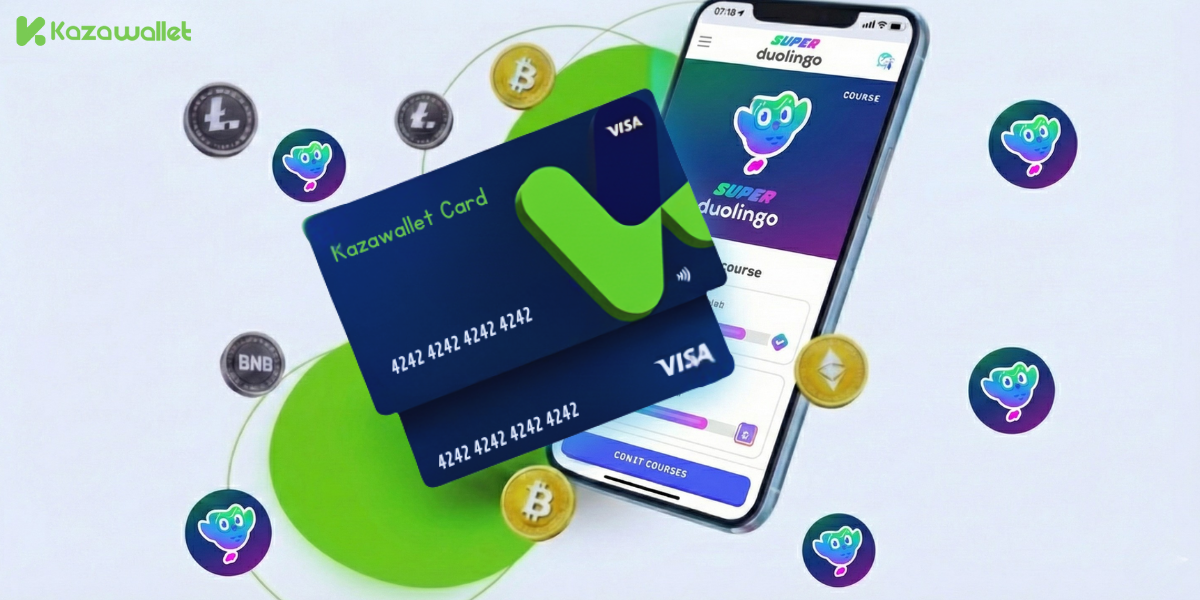
Duolingo relies on a recurring subscription system, whether through its official website or app stores. If you hold a balance of digital currencies, you need a Visa card that accepts crypto top-ups.
Kazawallet offers the solution:
- International Visa Card: Immediately accepted by the official Duolingo website, saving you from Google Play and App Store issues.
- Exchange Crypto to Balance: You can deposit any digital currency for free (USDC, LTC, BNB, TRON, BTC, ETH, SOL, USDT, Toncoin) into your Kazawallet, then exchange it with a click into a balance (USD/USDT/USDC) ready to top up the card.
- Suitable Limits: Fees are low and transparent (1.5% on top-up), and daily limits are high (starting from $10 up to $200,000), covering any cost.
- Security and Protection: The card supports the 3D Secure system, ensuring you receive a verification code (OTP) for every purchase to protect your balance.
- Full Control: You can freeze the card immediately after completing the purchase to ensure no unwanted subscriptions are withdrawn, and unfreeze it whenever you wish.
You can read the full guide on Kazawallet card features, fees, and limits
Requirements Before You Start
To exchange crypto for a Duolingo subscription, you need the following essentials:
- A verified Kazawallet account: To use deposit and card services, your account must be fully verified (KYC).
- Crypto balance: Whether this balance is already in your Kazawallet (like BTC, ETH, SOL…), or you have crypto in an external wallet that you will deposit now for free.
- Kazawallet card: The virtual card must be issued. (If you don’t have one, follow the guide on how to issue a Kazawallet card.)
-
Duolingo Account.
How to Subscribe to Duolingo Using Your Crypto Balance?
The process boils down to a simple 3-step cycle: Deposit crypto, exchange it, then pay with the card.
Phase One: Preparing and Topping Up the Kazawallet Card with Crypto
Here, you will exchange the digital currencies you own into a balance ready for store use.
- Deposit: Deposit the crypto you own (USDC, LTC, BNB, TRON, BTC, ETH, SOL, USDT, Toncoin) into your Kazawallet account. (Read How to Deposit Crypto into Kazawallet)
- Exchange: Go to the “exchange” section and exchange this crypto into a (USDT, USDC, or USD) balance.
- Top-up the Card: Top up your Kazawallet card with the balance you got from the previous conversion.
Now, your card is charged with crypto-sourced funds and ready for use.
Phase Two: Activating the Subscription on Duolingo
- Open your browser (Chrome or Safari) and go to Duolingo.com.
- Log in to your account.
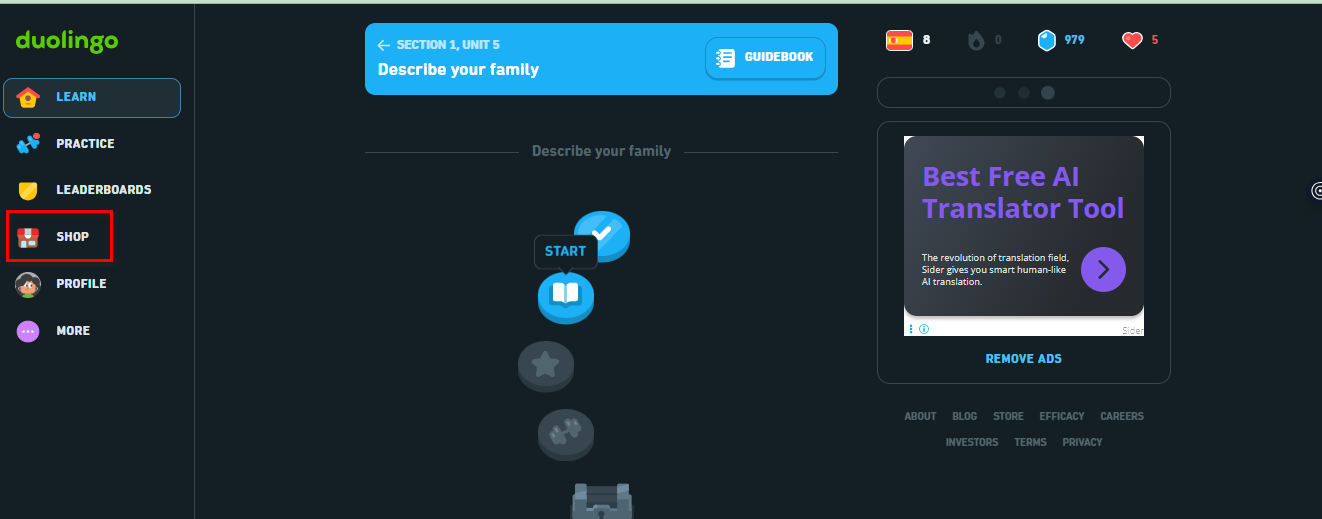
- Click on the Shop button or the colorful Super Duolingo icon.
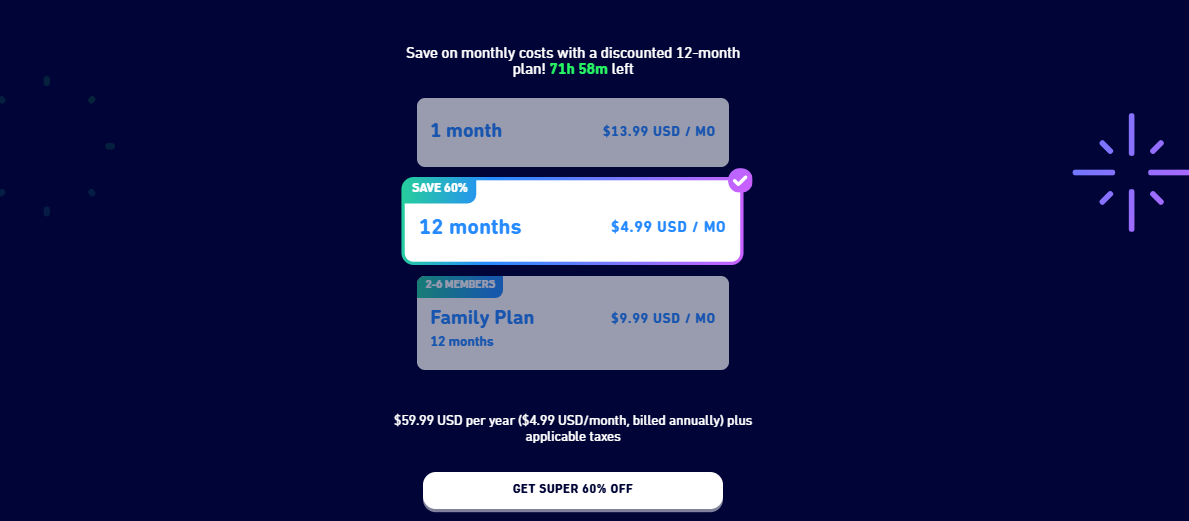
- Choose the plan: (We recommend the Yearly plan as it saves you about 60% compared to monthly payments).
- Go to the Kazawallet app and copy your card details (Number, Expiry Date, CVV). (For more details, read: How to show Kazawallet card details).
- Fill in the billing address. Review our guide on how to fill in the Kazawallet card billing address to ensure the process is successful.
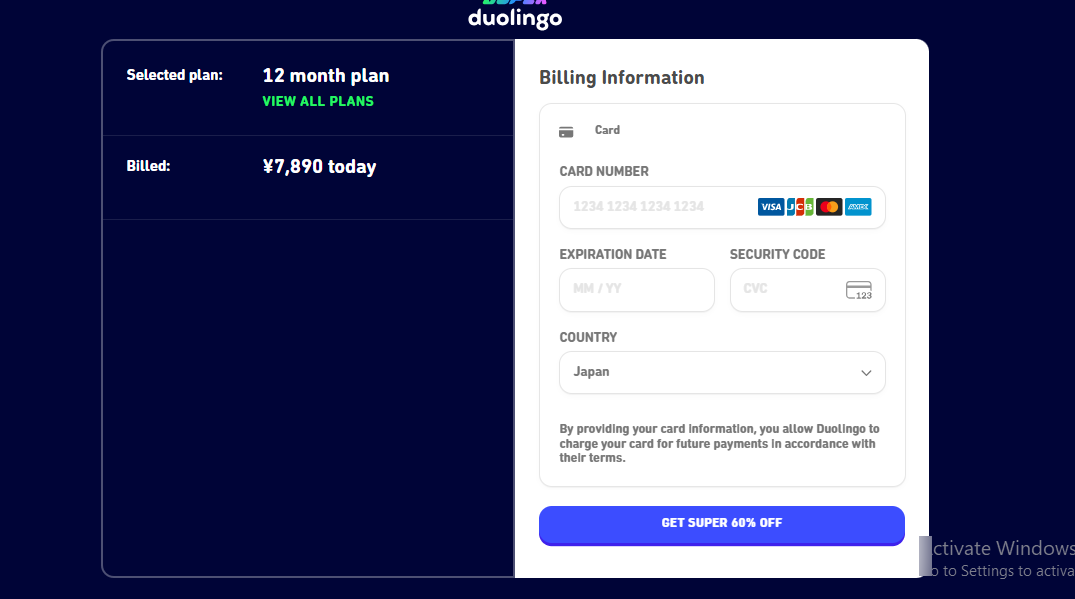
- Click Start Subscription.
Note: Once paid via the website, Super features will automatically activate on the app on your phone.
Smart Saving Hack (Family Plan)
Instead of paying for the subscription alone, gather 5 friends (or family members) and subscribe to the Super Duolingo Family Plan.
- The plan covers 6 accounts.
- It typically costs around $120 per year.
- The Result: Each person pays only $20 for the whole year! (Less than $2 a month). Kazawallet is perfect for this; one person collects the amount (via crypto or transfer), pays with the card, and adds the rest to the group.
Frequently Asked Questions (FAQ)
Does the card work if I want to subscribe via Apple App Store or Google Play?
Yes, you can add the Kazawallet card as a payment method in your Apple ID or Google Play settings and pay from within the app. However, we always recommend paying via the official website as it is often cheaper and more stable in accepting cards.
Does the subscription renew automatically?
Yes. If you want to cancel the renewal, you can do so immediately after subscribing from Duolingo settings, and the features will remain active until the end of the paid period.
Can I try the 14-day free trial using the card?
Yes, Duolingo requires a card to activate the trial period. You can use the Kazawallet card (it must have a nominal balance to test its validity), and you will not be charged until after the 14 days end.
In Conclusion
Don’t let ads break your train of thought. Use your digital balance to invest in your mind and language. With Kazawallet, the road to Super Duolingo is open and clear.