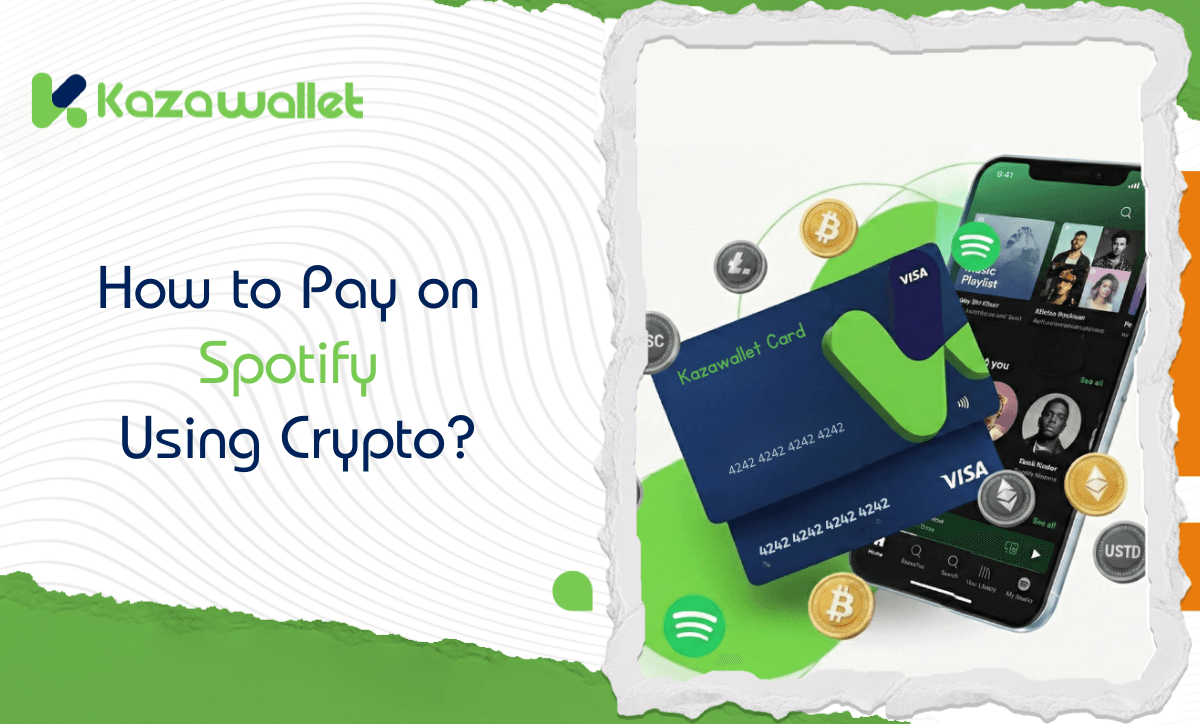
Nothing ruins the moment like a loud audio ad…
Interrupting your harmony with your favorite song, or pausing you in the middle of your workout. Upgrading to Spotify Premium is the only solution for audiophiles to enjoy high-quality, offline listening, and most importantly, getting rid of ads permanently.
But what if your funds are in a digital currency wallet? Spotify doesn’t accept Bitcoin! In this guide, we will explain how to pay for a Spotify Subscription using crypto via the Kazawallet card to enjoy an endless music library.
How to Pay with Crypto on a Site That Doesn’t Accept It?
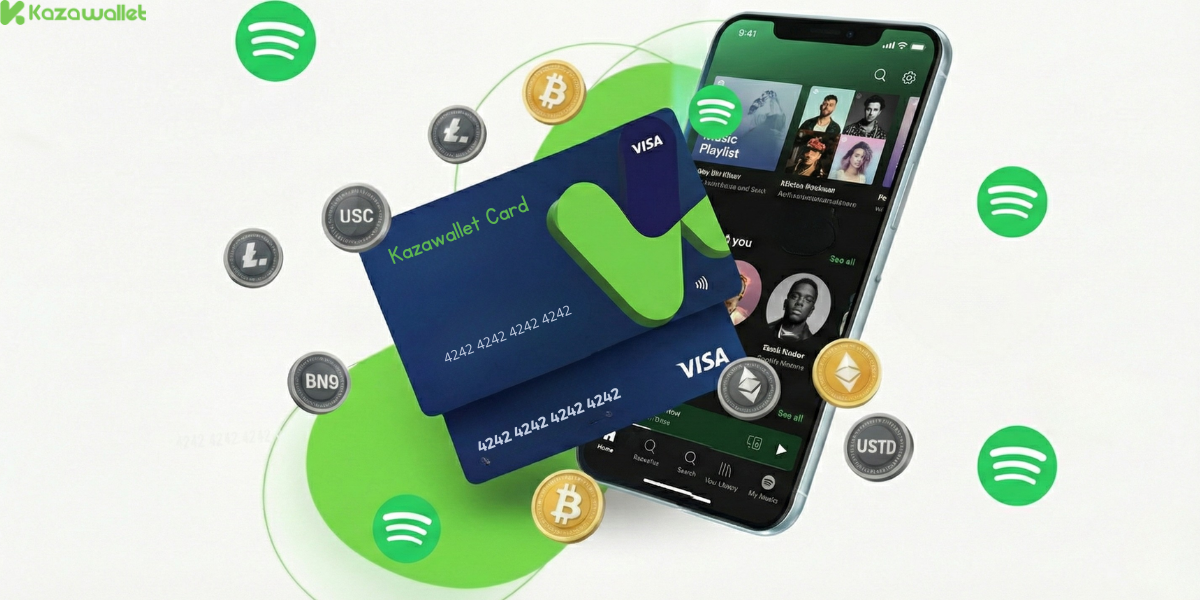
You need a payment method that Spotify understands (which is a Visa card), and funding coming from your crypto wallet. Kazawallet is the method that merges the two:
- Convert Your Digital Earnings into Payments: Kazawallet is a Visa card that accepts crypto top-ups. If you receive your wages in USDT or cryptocurrencies, you can convert this digital income directly into a functional tool without needing to withdraw cash and search for a payment broker.
- Extra Protection: The card is protected by the 3D Secure system, meaning that upon payment, you will receive an OTP code on your registered email to confirm the transaction and prevent fraud.
- “Separate Wallet” Security: Shopping with a crypto-funded card means you don’t expose your main bank account or salary to risk on subscription sites. Top up only the amount needed for the purchase.
- Suitable Limits: Fees are low and transparent (1.5% on top-up), and daily limits are high (starting from $10 up to $200,000), covering any cost.
- Full Control: You can freeze the card immediately after completing the purchase to ensure no unwanted subscriptions are withdrawn, and unfreeze it whenever you wish.
You can read the full guide on Kazawallet card features, fees, and limits
Requirements Before You Start
To ensure the Spotify subscription payment process succeeds on the first try, make sure the following are ready:
- A verified Kazawallet account: To use deposit and card services, your account must be fully verified (KYC).
- Crypto balance: Whether this balance is already in your Kazawallet (like BTC, ETH, SOL…), or you have crypto in an external wallet that you will deposit now for free.
- Kazawallet card: The virtual card must be issued. (If you don’t have one, follow the guide on how to issue a Kazawallet card.)
-
Spotify Account.
How to Pay for a Spotify Subscription Using Crypto?
The process boils down to a simple 3-step cycle: Deposit crypto, convert it, then pay with the card.
Phase One: Preparing and Topping Up the Kazawallet Card with Crypto
Here, you will convert the digital currencies you own into a balance ready for store use.
- Deposit: Deposit the crypto you own (USDC, LTC, BNB, TRON, BTC, ETH, SOL, USDT, Toncoin) into your Kazawallet account. (Read How to Deposit Crypto into Kazawallet)
- Exchange: Go to the “exchange” section and exchange this crypto into a (USDT, USDC, or USD) balance.
- Top-up the Card: Top up your Kazawallet card with the balance you got from the previous conversion.
Now, your card is charged with crypto-sourced funds and ready for use.
Phase Two: Activating Spotify Subscription
- Open your web browser and go to Spotify.com.
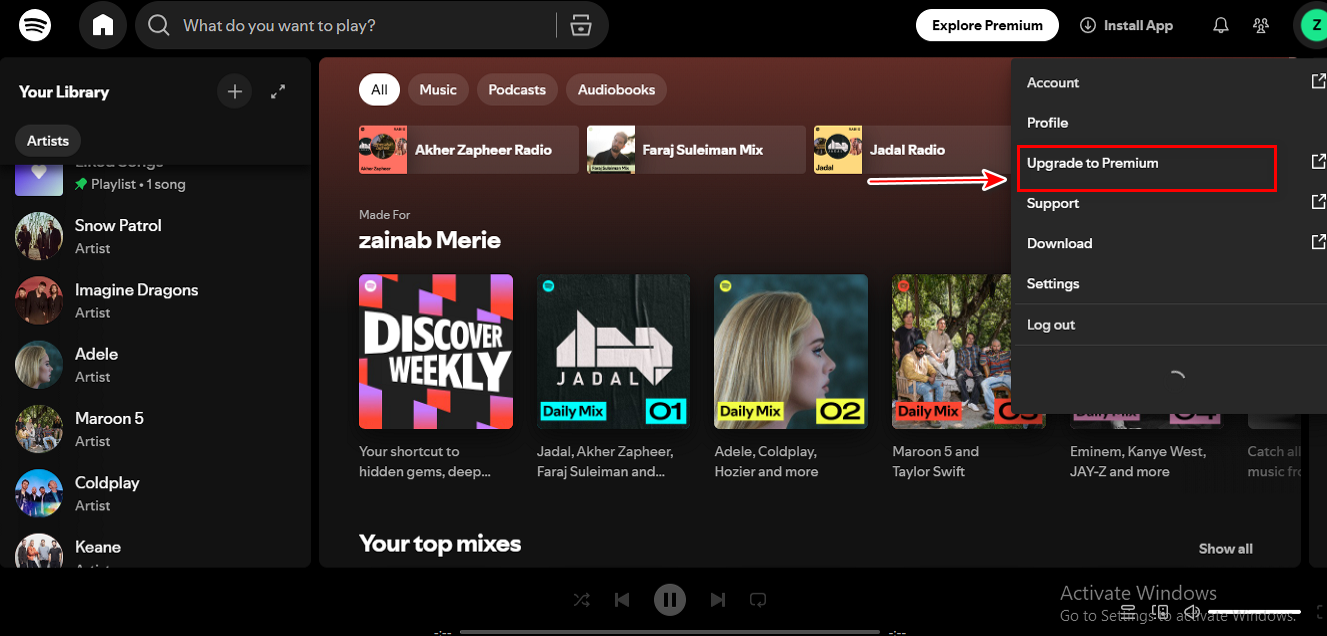
- Log in, click on your Profile Icon, then select Upgrade to Premium.
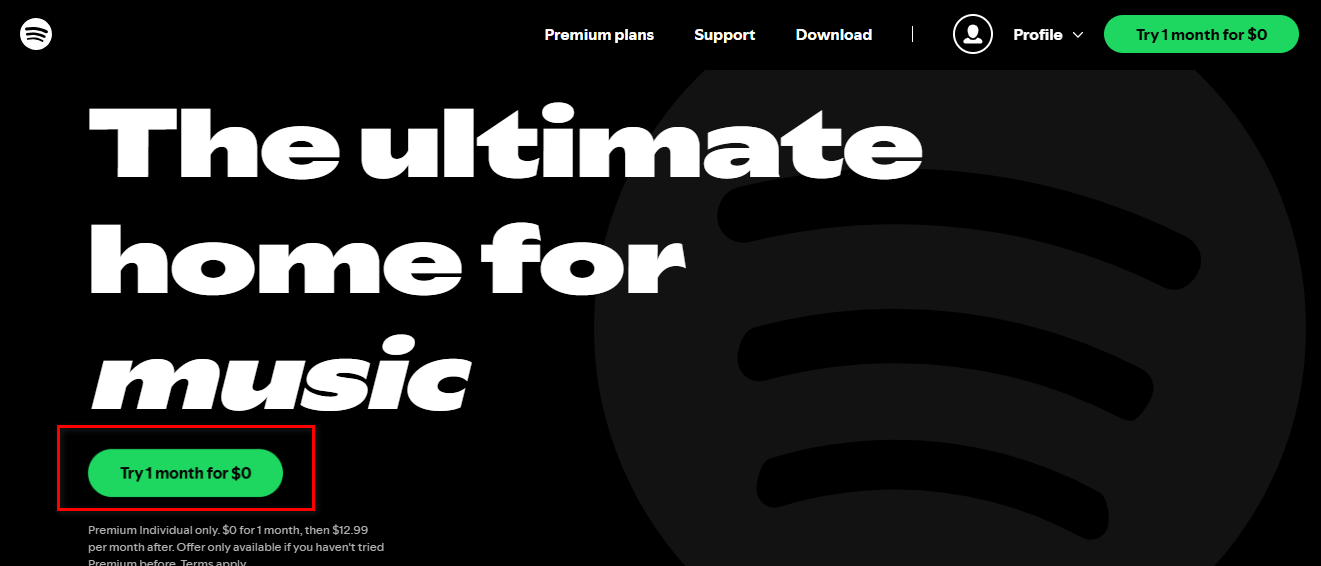
- Choose Try free for 1 month (or the plan of your choice).
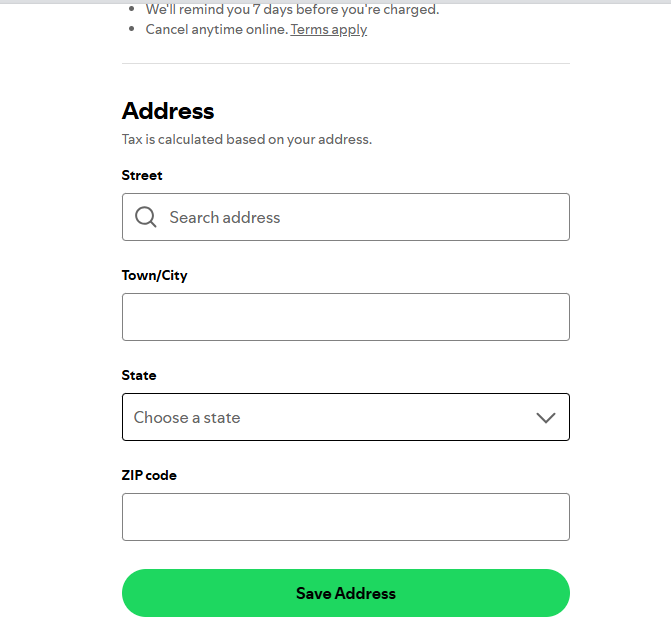
- Review our guide on how to fill in the Kazawallet card billing address to ensure the process is successful.
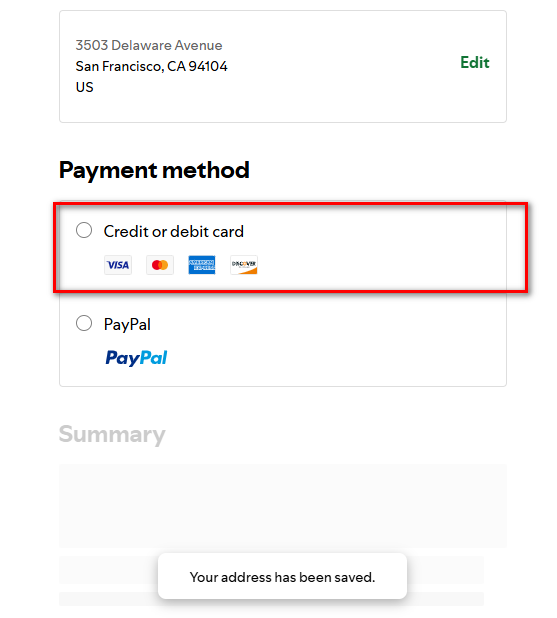
- On the payment page, select Credit or Debit Card.
- Fill in the billing address. Review our guide on how to fill in the Kazawallet card billing address to ensure the process is successful.
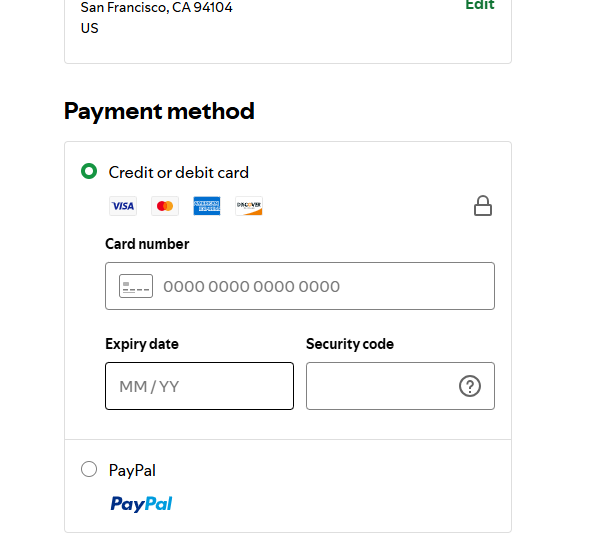
- Confirm the payment process.
How to Save Money?
Instead of paying $11 alone, take advantage of sharing features:
- Spotify Duo: For you and your friend/partner (about $15 – i.e., $7.5 per person).
- Spotify Family: For you and 5 others (about $17 – i.e., less than $3 per person!).
Use the Kazawallet card to pay the full amount, collect shares from your friends (via crypto or transfer), and get Premium at a very low price.
Frequently Asked Questions (FAQ)
Does Spotify accept USDT directly?
No, Spotify does not currently accept cryptocurrencies. The only way to use crypto is through a card like Kazawallet that converts crypto into Visa payments.
Is the subscription renewed automatically from the card?
Yes. As long as there is sufficient balance in the Kazawallet card, Spotify will deduct the amount monthly on the same date. Make sure to always leave a balance.
Does the card work with the Free Trial?
Yes, Spotify requires a card to activate the free month. You can use the Kazawallet card (it must have a nominal balance to test its validity, around $1), and you won’t be charged until the free month ends.
What cryptocurrencies are supported for deposit into Kazawallet and card top-up?
Kazawallet supports many major currencies such as (Bitcoin, Ethereum, USDT, USDC, SOL, BNB, LTC) and others. You can deposit any of them, convert them to a balance (USD/USDT/USDC), then top up the card.
Can I use the Kazawallet card to purchase in a different currency (like Turkish Lira, Dinar, Ruble, Euro)?
Yes, the card is a global Visa card. You top up in (USDT or USDC or USD) and can pay in any currency. However, note that in this case, a foreign transaction fee (FX Fee 2.5%) will apply if the payment is not in US Dollars.
Music As It Should Be
Don’t let traditional payment problems deprive you of high-quality listening pleasure. Use your digital assets, and turn USDT into tunes that accompany you wherever you go.