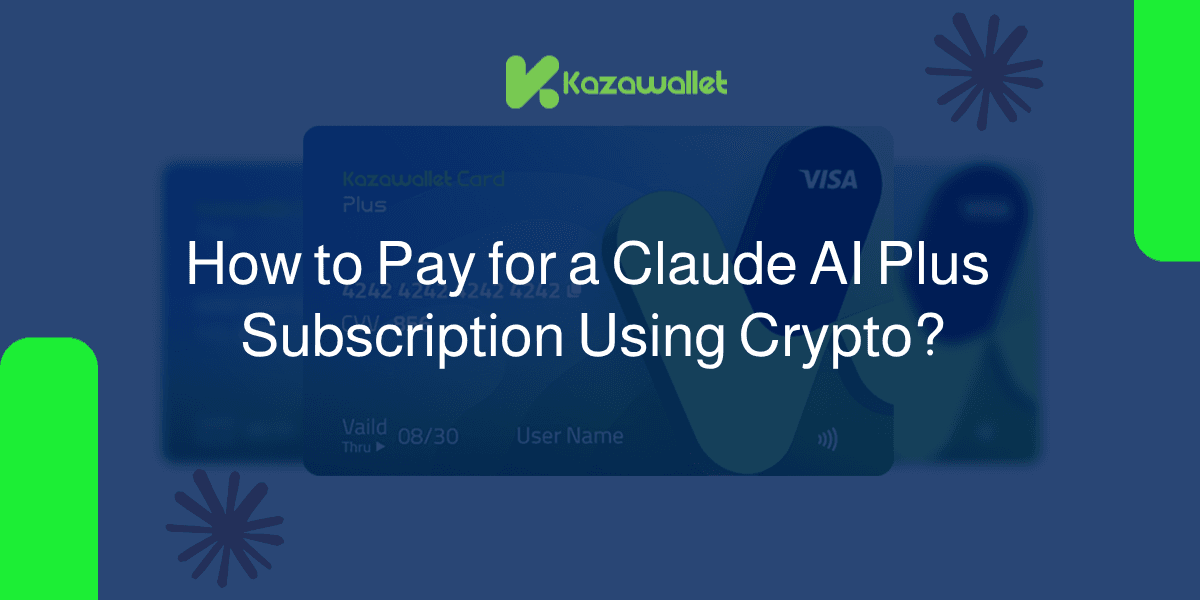
Claude AI does not accept direct payments in cryptocurrencies. However, the ideal solution is to use a Kazawallet virtual card
You simply deposit crypto (BNB, BTC, ETH...) into your wallet, exchange it for USD, fund your card, and then pay for your Claude AI subscription using your crypto balance instantly to enjoy its premium features.
Please note that this service is exclusively available via the Kazawallet Plus card.
Why Do You Need a Kazawallet Card for Claude AI?
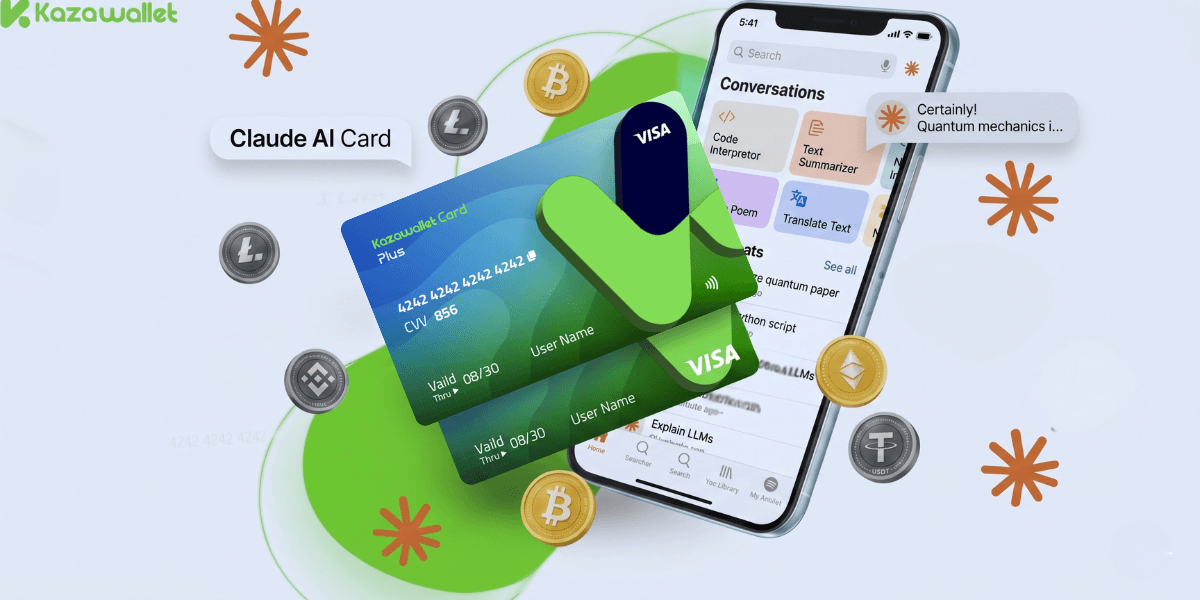
When upgrading to a paid plan on Claude, you'll find that the system requires traditional payment methods. This is where a virtual card that supports crypto becomes essential to bypass financial restrictions:
Pay for Claude Subscription Using Crypto: The card allows you to turn your parked crypto balance into fuel for your AI engine.
Bypass Geographical Restrictions: The card works efficiently with accounts requiring international payment methods, especially when paired with activating a Claude account with a US phone number to ensure account acceptance and avoid bans.
Asset Flexibility: Fund your card using over 10 cryptocurrencies (such as Solana, Toncoin, TRON) and instantly exchange them into digital dollars (USDC/USDT).
Billing Security: Benefit from 3D Secure for transaction verification, with the ability to freeze the card instantly to manage monthly subscription costs.
You can read the full guide on Kazawallet card features, fees, and limits
Requirements for Subscribing to Claude AI with Crypto
A verified Kazawallet account: To use deposit and card services, your account must be fully verified (KYC).
Crypto balance: Whether this balance is already in your Kazawallet (like BTC, ETH, SOL…), or you have crypto in an external wallet that you will deposit now for free.
A Kazawallet Plus Card: You must have been issued a "Plus" category card, as the Claude AI subscription is not supported on the Basic Card.
Claude AI Account: A registered account on the Claude platform.
Read more: How to activate a Claude AI account using a US number safely and securely.
How to Pay for Claude AI Subscription Using Crypto?
To pay with USDT or any other crypto, you will fund your Kazawallet card with digital currency and use it directly during the checkout process.
Phase 1: Prepare Your Kazawallet Card
At this phase, you will exchange the crypto you own and want to spend into a (USD/USDT/USDC) balance ready for top-up.
- Deposit: Deposit the crypto you own (USDC, LTC, BNB, TRON, BTC, ETH, SOL, USDT, Toncoin) into your Kazawallet account. (Read How to Deposit Crypto into Kazawallet)
- Exchange: Go to the “exchange” section and exchange this crypto into a (USDT, USDC, or USD) balance.
- Top-up the Card: Top up your Kazawallet card with the balance you got from the previous conversion.
This way, your card is loaded with a balance that comes from your crypto, ready to pay.
Phase 2: Subscribing to Claude AI
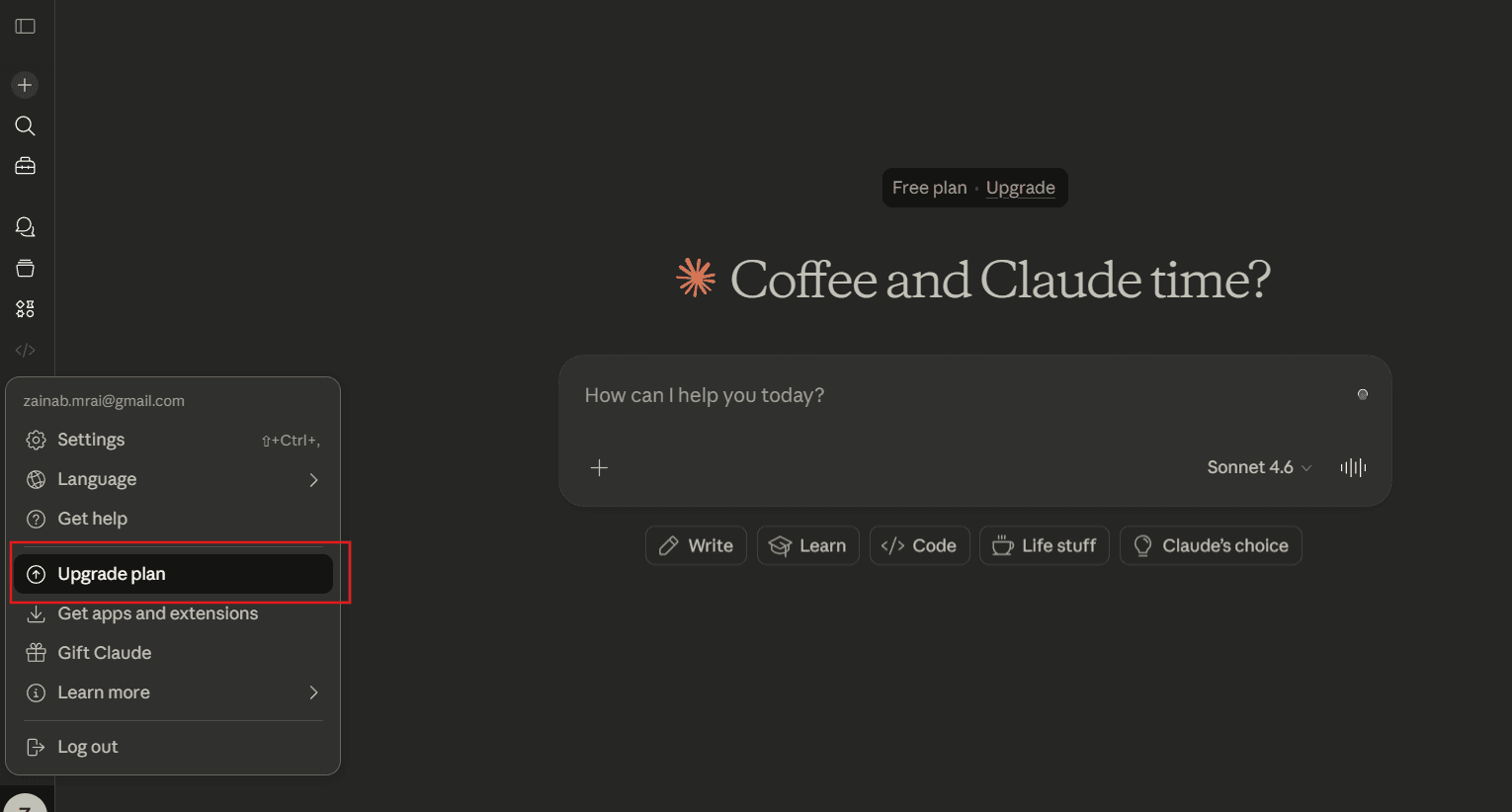
Log in to Claude.ai.
Click on the "Upgrade Plan" option.
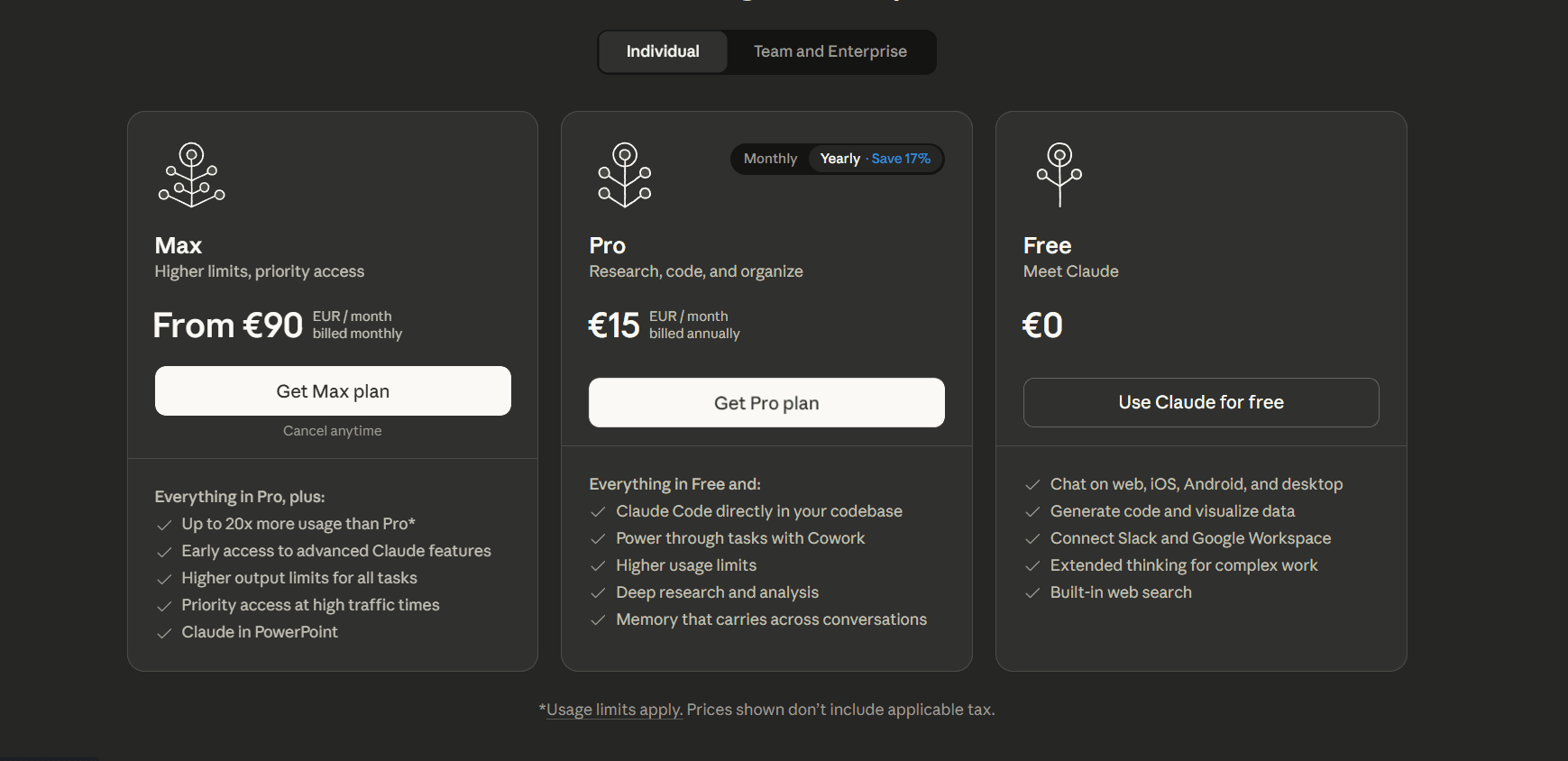
Select your preferred plan
Open the Kazawallet app and copy your card details (Number, Name, Expiry, and CVV). For more details, read: How to show Kazawallet card details.
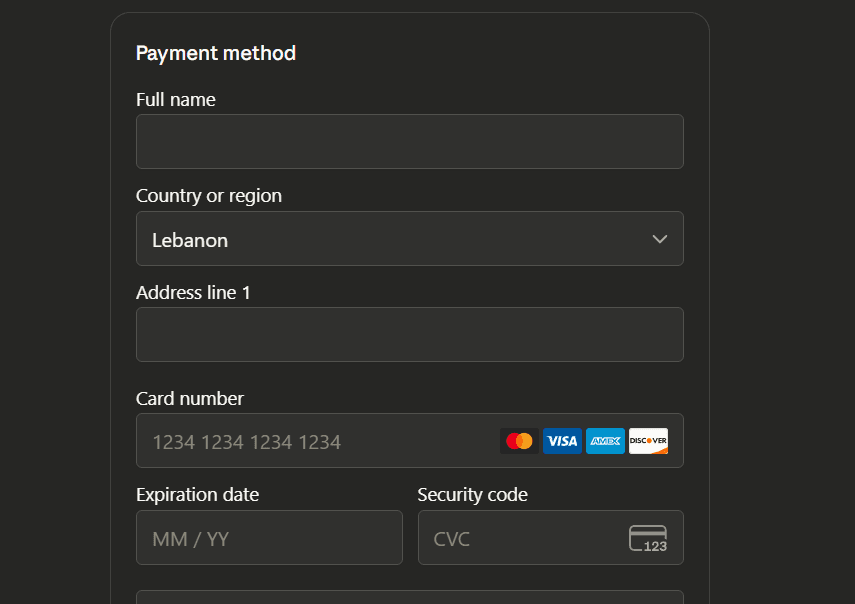
Confirm the transaction, and your subscription will be activated immediately.
Frequently Asked Questions (FAQ)
Can I pay for Claude AI directly with cryptocurrency?
No, Claude does not accept direct crypto payments. It requires a Visa/Mastercard. Kazawallet provides the solution by offering a virtual Visa card that can be funded with crypto.
Does any card from Kazawallet work to pay for a Claude subscription?
No, this feature strictly requires upgrading or issuing your card under the Kazawallet Plus tier to pay for the Claude AI subscription. It is completely unavailable for accounts or cards on the Basic tier.
Can I use the card for Claude API credits?
Yes, the Kazawallet card works perfectly with the Anthropic API Console for developers looking to build apps using a pay-as-you-go model funded by their crypto balance.
Which cryptocurrencies are supported for funding the card?
Kazawallet supports major assets including Bitcoin, Ethereum, USDT, USDC, SOL, BNB, LTC, and more.
Conclusion
A lack of traditional payment methods shouldn't stop you from using the world's most powerful AI models. By subscribing to Claude Pro using crypto, you can invest your digital assets into your professional and coding workflows.
Start today by securing a crypto-friendly Visa card and unlock new levels of productivity.