Starlink does not accept direct cryptocurrency payments on its official website. However, the solution lies in using the Kazawallet Virtual Card.
By depositing crypto into your wallet, exchanging it for USD, and funding your card, you can easily pay for Starlink subscription using crypto. This ensures a stable, ultra-fast satellite connection to stream football matches and major tournaments without any buffering.
Whether you own the Basic Card or the Plus Card, both tiers grant you the full capability to settle your subscriptions and enjoy high-speed internet.
Why Do You Need Kazawallet to Pay for Starlink Internet?
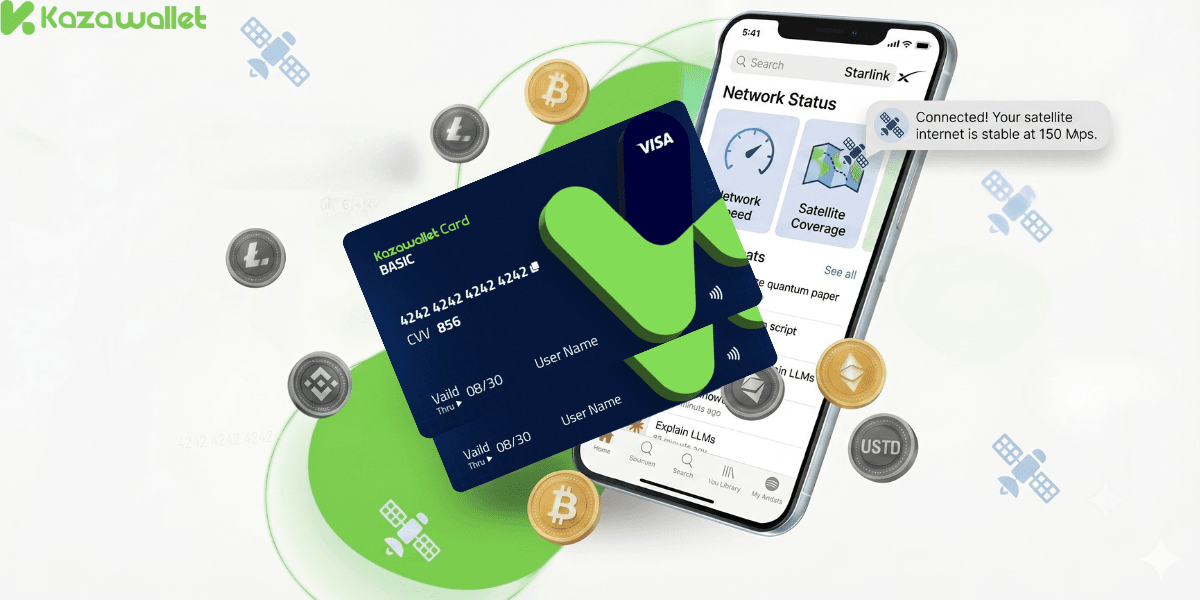
When trying to activate or renew a monthly subscription on the Starlink website, you will find that the system requires a traditional international payment method.
This is where owning a virtual card that supports crypto funding becomes essential to bypass financial restrictions:
Pay for Starlink with Crypto: The card allows you to seamlessly turn your digital asset balance inside your wallet into immediate liquidity to cover satellite internet bills.
Secure Stable Match Streaming: Starlink Internet provides massive speeds, ensuring you can watch football games and live streams in the highest quality without worrying about local network lags.
Flexible Supported Assets: You can fund your account using more than 10 cryptocurrencies (such as Bitcoin, Ethereum, Solana, USDT, Toncoin) and instantly convert them into spendable digital USD.
Full Protection & 3D Secure: The card gives you robust protection to verify automated monthly recurring charges, with the ability to control and freeze your card at any moment.
You can read the full guide on Kazawallet card features, fees, and limits
Requirements to Pay for Starlink Subscription Using Crypto
A verified Kazawallet account: To use deposit and card services, your account must be fully verified (KYC).
Crypto balance: Whether this balance is already in your Kazawallet (like BTC, ETH, SOL…), or you have crypto in an external wallet that you will deposit now for free.
Kazawallet Plus Card: You must have been issued a "Plus" category card, as the Claude AI subscription is not supported on the Basic Card.
Active Account on the Starlink Website or App.
How to Pay for Starlink Subscription Using Crypto
To settle your invoices using USDT or any other crypto, you will fund your Kazawallet card with digital assets and then use its credentials directly on the Starlink platform.
Phase 1: Prepare Your Kazawallet Card
At this phase, you will exchange the crypto you own and want to spend into a (USD/USDT/USDC) balance ready for top-up.
- Deposit: Deposit the crypto you own (USDC, LTC, BNB, TRON, BTC, ETH, SOL, USDT, Toncoin) into your Kazawallet account. (Read How to Deposit Crypto into Kazawallet)
- Exchange: Go to the “exchange” section and exchange this crypto into a (USDT, USDC, or USD) balance.
- Top up the Card: Top up your Kazawallet card with the balance you got from the previous conversion.
This way, your card is loaded with a balance that comes from your crypto, ready to pay.
Phase 2: Renewing or Settling Your Subscription on Starlink
Log in to your personal profile on the official Starlink website or via the app.
Go to the "Get Started" dashboard and click on the payment option.
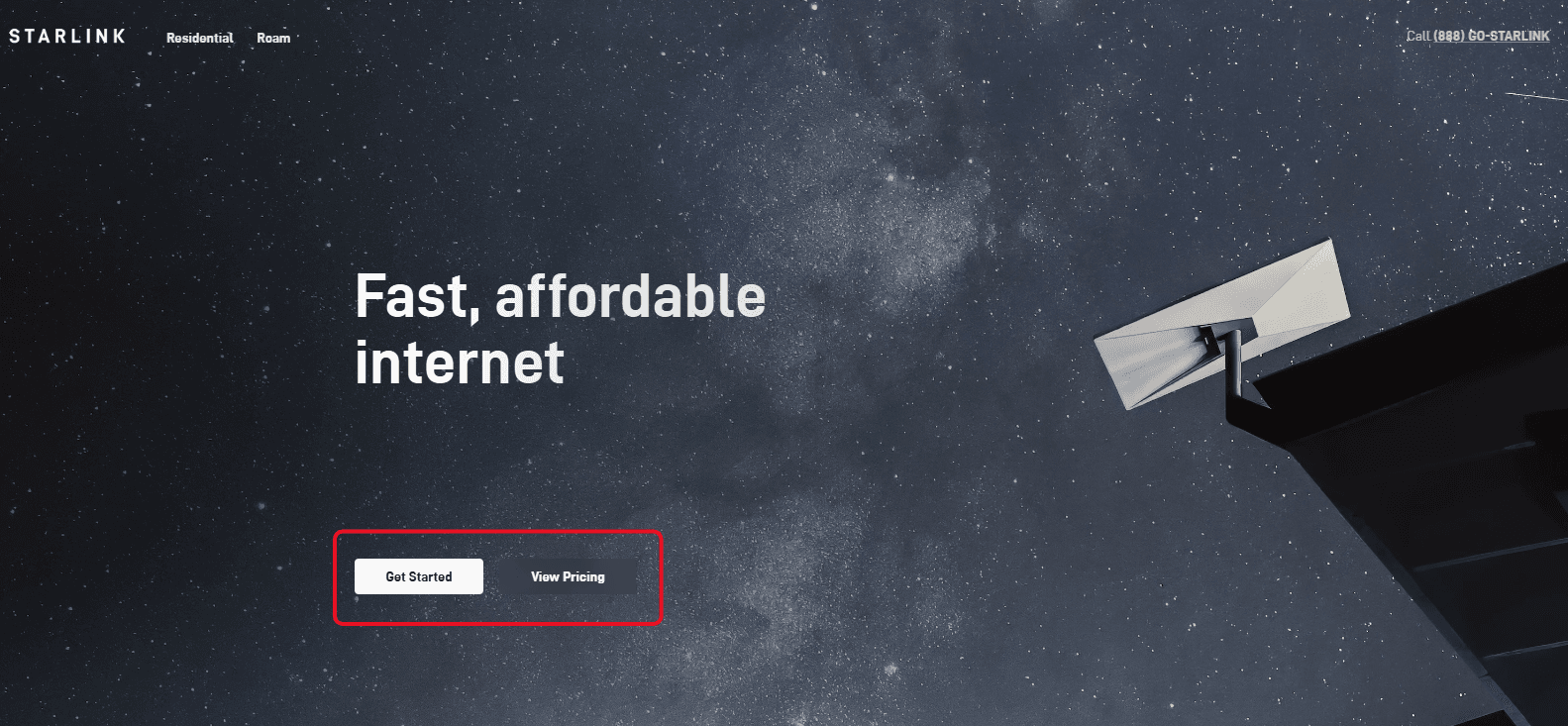
Choose PayPal and Select Checkout.
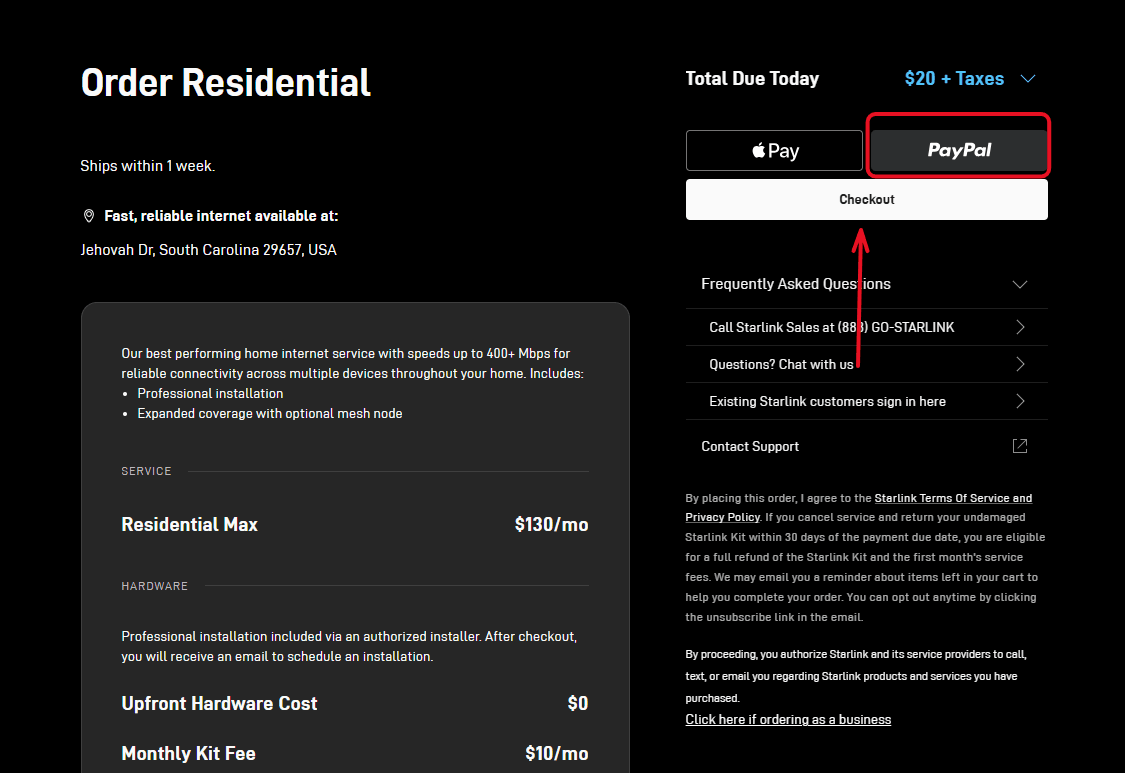
When the available payment methods appear, click the "Pay with Google Pay" button, as this is the fastest and most universally accepted pathway for virtual cards.
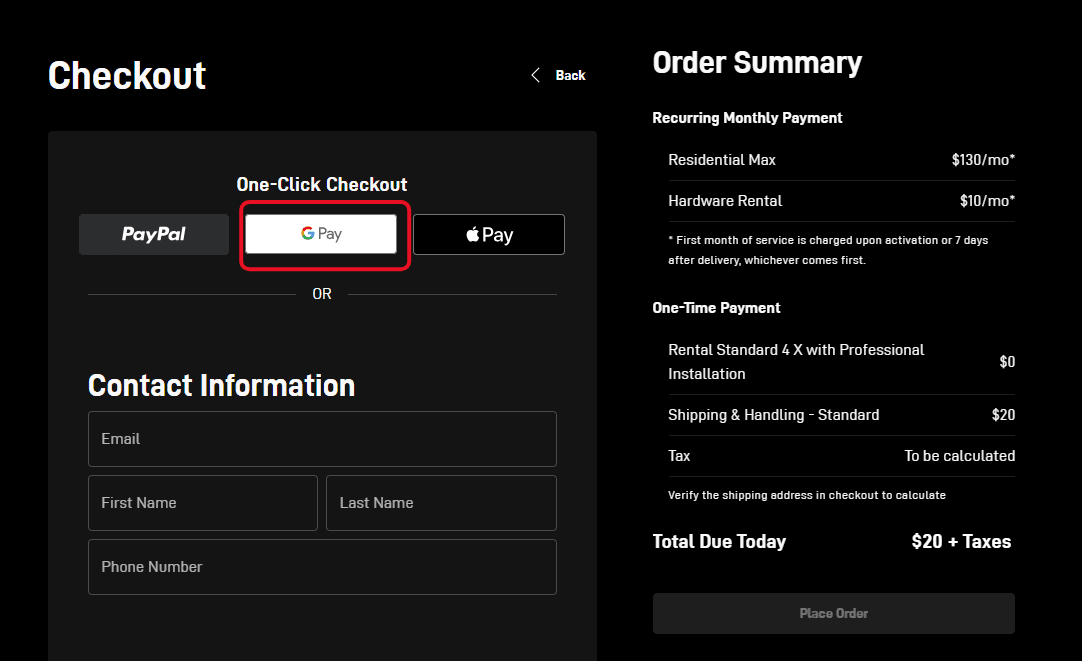
The secure Google Pay window will pop up, prompting you to enter card details (Card Number, Name, Expiry Date, and CVV).
For more specific details, you can read: How to show Kazawallet card details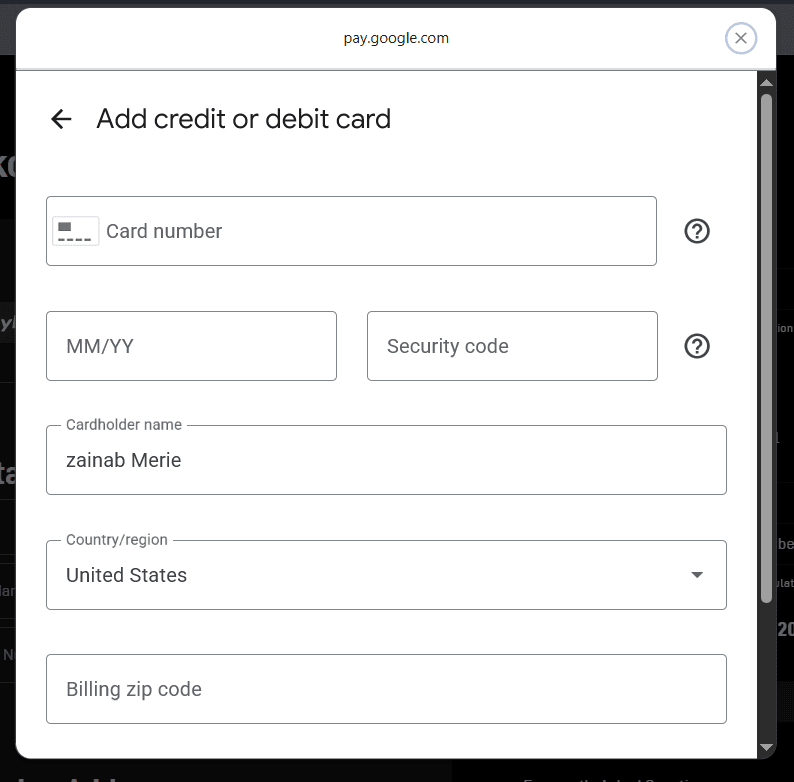
Ensure the cardholder's name matches perfectly, then click save and confirm. The satellite internet service will activate instantly, and the subscription fee will clear successfully.
Frequently Asked Questions (FAQ)
Can I pay for my Starlink subscription using crypto directly?
No, Starlink does not accept crypto as a direct payment option on its official platform. It strictly requires an international credit/debit card or verified billing gateways.
The Kazawallet Virtual Card is your workaround, giving you an international card that you can fully fund using your digital assets.
Does the Kazawallet card support Starlink's automatic monthly auto-pay?
Yes, once you link your Kazawallet card to your Starlink account, the billing system will automatically deduct the subscription fee every month to renew your service. Just make sure to maintain a sufficient USD balance on your card shortly before your renewal date.
What is the best way to pay the subscription on the website without errors?
The smoothest path is to select Google Pay on the Starlink billing screen, then enter your Kazawallet card details through it. These gateways act as a secure proxy, significantly increasing the approval rates of virtual cards.
In Conclusion
The lack of traditional banking options is no longer a barrier to enjoying the fastest satellite internet service in the world.
By loading your Kazawallet Virtual Card with cryptocurrency, you can easily liquidate your digital tokens to secure a rock-solid connection, allowing you to watch every football match and tournament seamlessly. Prepare your wallet today and open the door to boundless connectivity.