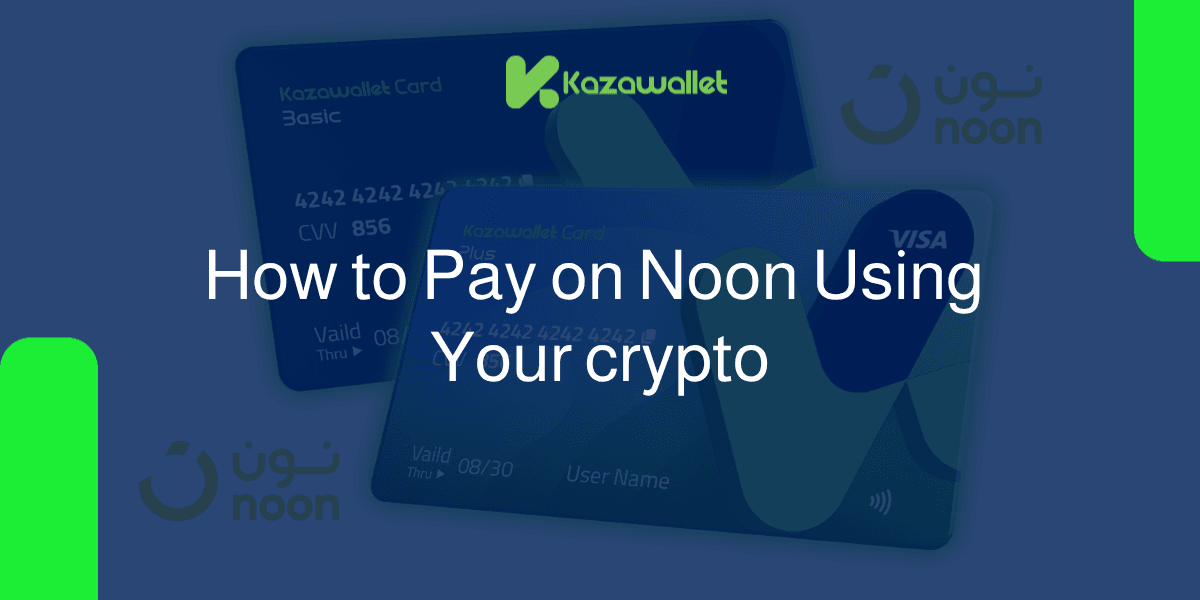
You can't pay on Noon using crypto directly, but you can easily bypass this barrier by using a Kazawallet virtual card.
The process is straightforward: deposit crypto (USDT, BTC, ETH, and others) into your account, exchange your balance to USD inside the wallet, and fund your virtual card to shop for the latest phones, fashion, and daily essentials on Noon instantly.
Both card tiers, the Basic Card and the advanced Plus Card, grant you full capacity to complete your payments safely and reliably.
Why Choose a Kazawallet Visa Card for Shopping on Noon with Crypto?
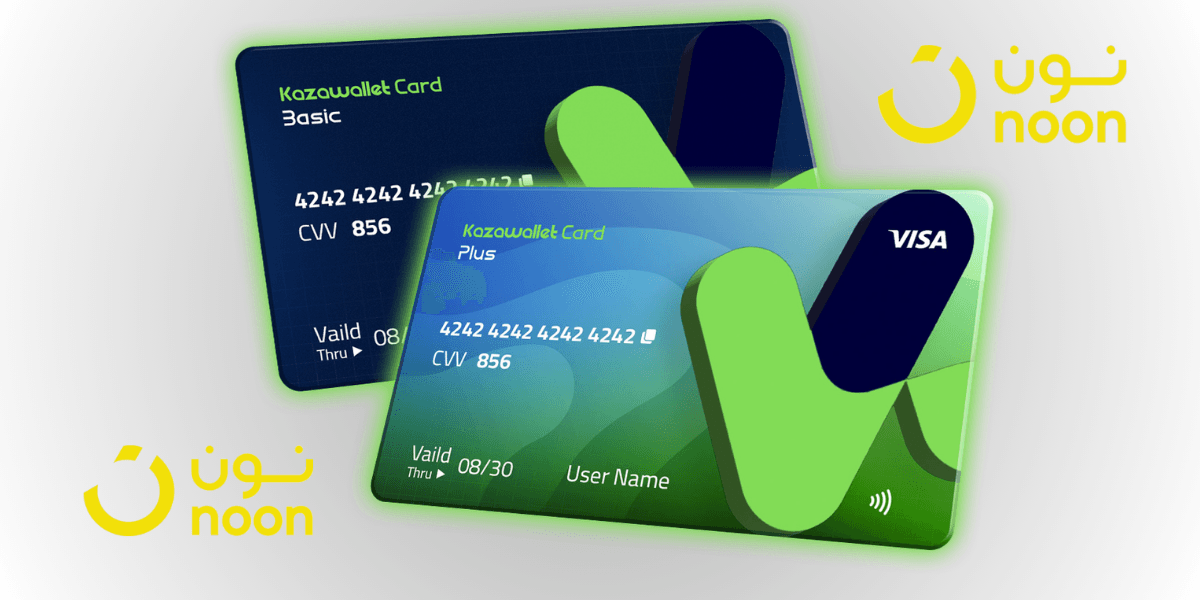
As a digital shopper, you need a flexible international Visa card that accepts crypto funding to cover your daily online purchases.
Kazawallet provides you with the ideal solution for unrestricted shopping:
Exchange Your Digital Earnings into Real Purchases: If you earn your freelance income or profits in cryptocurrencies like USDT, you can use this digital income directly to buy physical products from Noon without having to go through complex cash-out processes or search for intermediaries.
Full Support for Noon Services and Subscriptions: The Noon platform seamlessly accepts virtual Kazawallet cards issued under the international Visa network, allowing you to pay for your purchases or subscribe to loyalty programs like Noon One to get free shipping and exclusive deals.
Low Fees and Complete Transparency: Card funding fees are low and fixed at $1.5\%$, with high daily limits that accommodate your purchase volumes and large shopping carts without any hidden calculations or conditions.
Instant Control and Security: The card is protected by the advanced 3D Secure system; you will receive a verification code (OTP) via your email to confirm every purchase you initiate on Noon, with the ability to instantly freeze the card from the app with a single tap to protect your balance after shopping.
You can read the full guide on Kazawallet card features, fees, and limits
Key Requirements Before Shopping
To ensure your order is processed on Noon and the card is successfully accepted from the first attempt, make sure you have the following ready:
- A verified Kazawallet account: To use deposit and card services, your account must be fully verified (KYC).
- Digital currency balance: Whether this balance is already in your Kazawallet (like BTC, ETH, SOL…), or you have digital currencies in an external wallet that you will deposit now.
- Kazawallet card: The card must be ready to use. If you don’t have one, follow the guide on how to create a Kazawallet card.
An Active Account on the Noon App or Website (Noon.com).
Steps to pay on Noon using crypto
Pay on Noon using crypto is simple and is completed in two phases: preparing and funding your card with a digital balance, then linking it and completing the purchase on the Noon website or app.
Phase One: Setting Up and Funding Your Kazawallet Card with Crypto
Exchange your digital currencies into a USD balance ready for shopping:
- Deposit: Deposit the crypto you own (USDC, LTC, BNB, TRON, BTC, ETH, SOL, USDT, Toncoin) into your Kazawallet account. (Read How to Deposit Crypto into Kazawallet)
- Exchange: Go to the “exchange” section and exchange this crypto into a (USDT, USDC, or USD) balance.
- Top-up your Card: Top up your Kazawallet card with the balance you got from the previous conversion.
Your card is now topped up and fully ready to cover your purchases.
Phase Two: Paying and Completing the Order on Noon
Open the Noon app or navigate to noon.com.
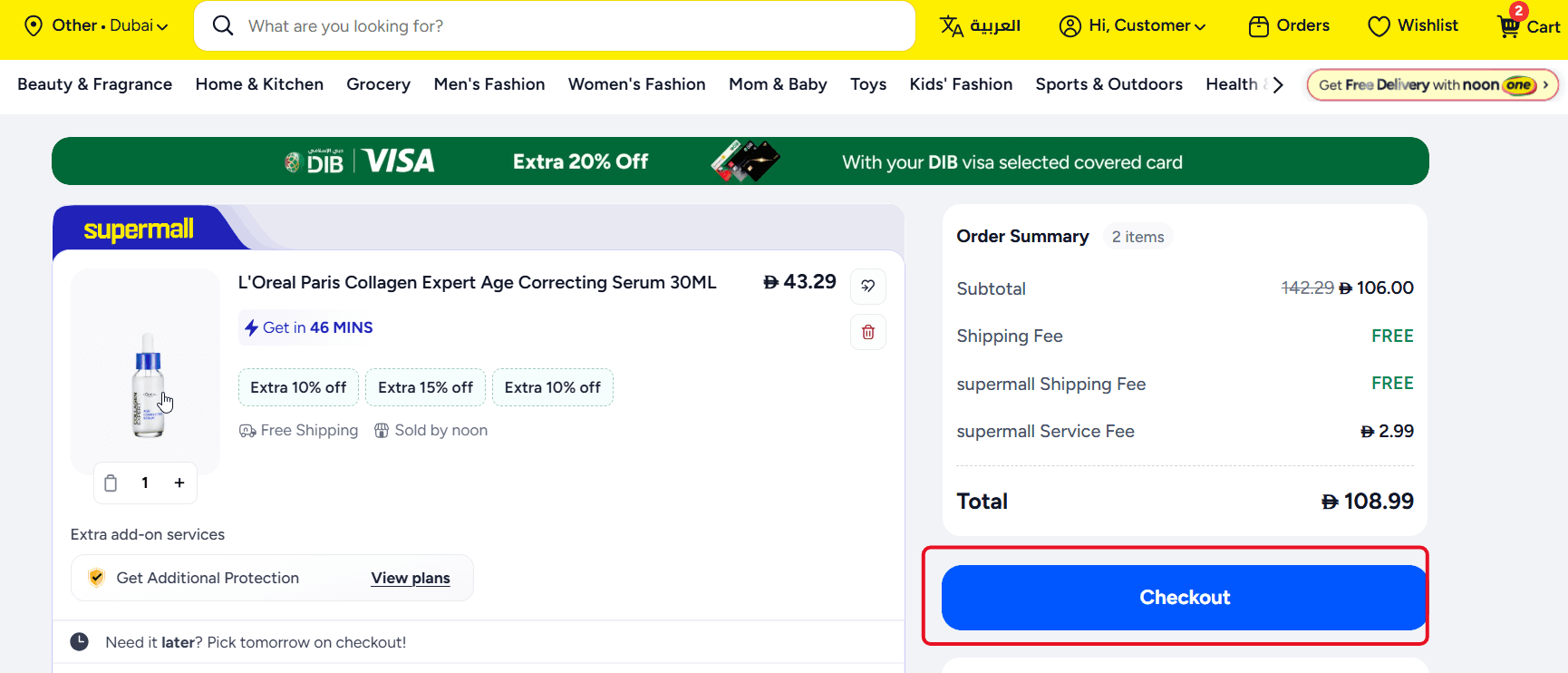
Browse products, add what you want to your shopping cart, and then click "Checkout".
On the checkout page, under "Payment Method", select "Add Credit/Debit Card".
Open your Kazawallet app and copy your card details (the 16-digit number, expiry date, and CVV code). (For more details, read our guide: How to View Kazawallet Card Details).
Enter the card details accurately on the Noon platform. Make sure to write your name and billing address
Review our guide on how to fill in the Kazawallet card billing address to ensure the process is successful.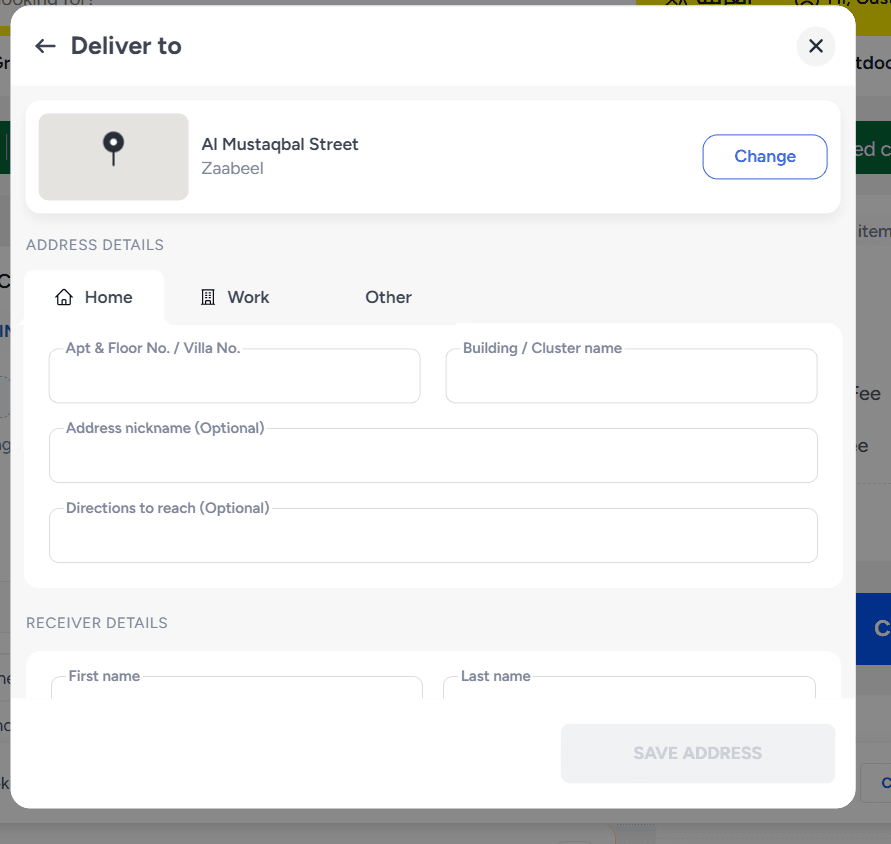
Click "Place Order". You will receive a secure verification code (OTP) via your registered email with Kazawallet to complete the deduction and confirm your purchase instantly and safely.
Frequently Asked Questions (FAQ)
Can I use the Kazawallet card to shop on Noon while in Syria?
Yes, you can issue a virtual Kazawallet card and top it up with cryptocurrency entirely from within Syria, and use it to shop and purchase on Noon to send gifts or products to your friends and family living in countries covered by Noon (such as the UAE, Saudi Arabia, and Egypt), without the need for a traditional bank account.
What cryptocurrencies are supported for topping up the Kazawallet card?
Kazawallet supports a wide range of major cryptocurrencies such as Bitcoin, Ethereum, USDT, USDC, SOL, BNB, LTC, TRON, and Toncoin. You can deposit any of them for free, and exchange them in seconds within the app to a USD balance ready for top-up and use.
Can I link the card to Apple Pay or Google Pay to shop on the Noon app?
Yes, Kazawallet virtual cards are fully compatible with global smart wallets. You can link your card to Google Pay or Apple Pay and use it to complete payments with a single tap inside the Noon app with ease.
Are there currency conversion fees when purchasing in Saudi Riyals (SAR) or UAE Dirhams (AED)?
Since the Kazawallet card is funded with a USD balance and the Noon platform prices its products in local currencies (such as AED, SAR, or EGP), the Visa network will automatically exchange the currency upon payment, applying the standard foreign transaction fee (FX Fee of 2.5%) to cover the exchange rate difference.
What’s the Next Step?
Order your Kazawallet Visa card now, fund it with your preferred digital currencies, and start acquiring and securing your purchases from the Noon platform with ease and safety!