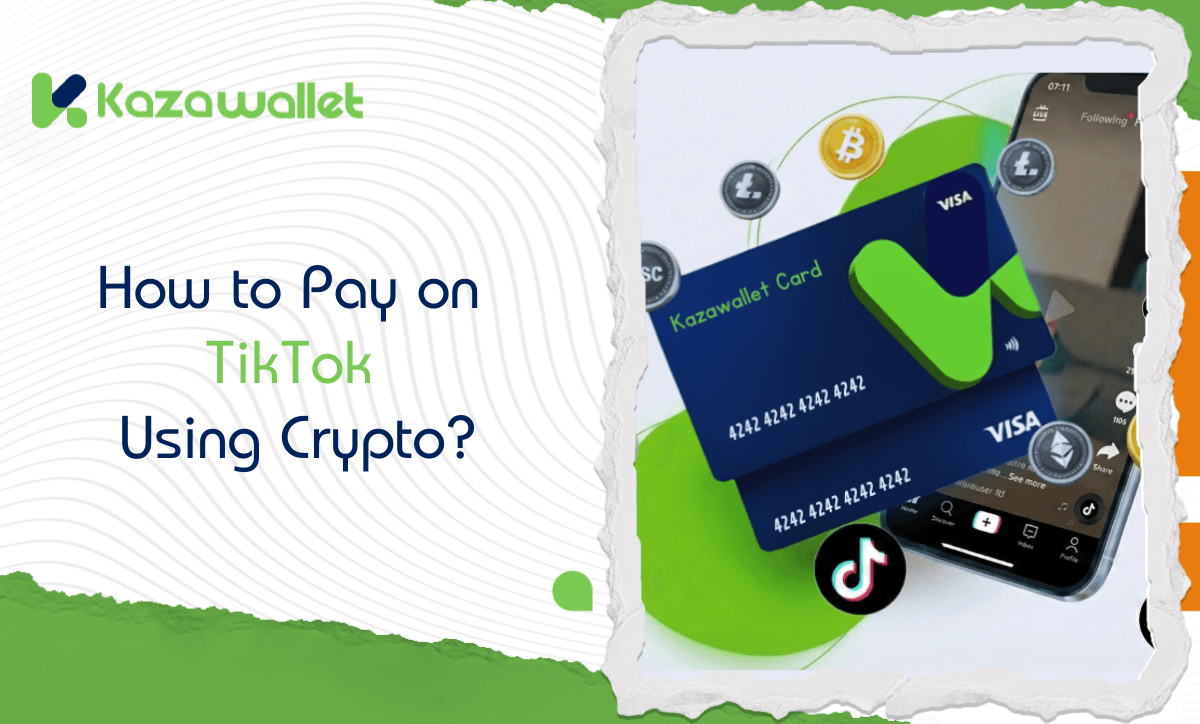
How to pay and recharge TikTok balance using crypto? The solution is to use the Kazawallet Virtual Visa Card. You can deposit crypto (such as USDT) and top up your card instantly, then use it to purchase TikTok Coins or fund TikTok Ads campaigns with ease.
Whether you own the Basic Card or the Plus Card, both tiers grant you the full capability to settle your subscriptions.
Why Choose Kazawallet Visa for Recharging TikTok Coins?
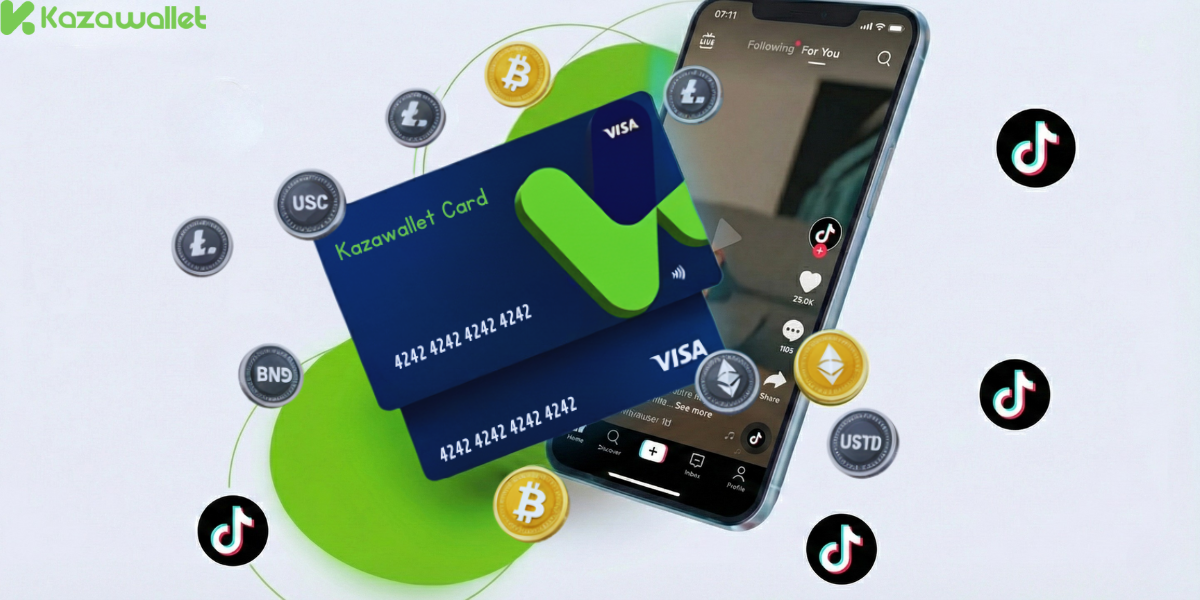
You need a Visa card that accepts crypto top-ups directly from your digital wallet. Kazawallet bridges these two worlds:
- Convert Your Digital Earnings: Kazawallet is a Visa card that accepts crypto funding. If you earn in USDT or other cryptocurrencies, you can convert this digital income directly into a payment currency without needing to withdraw cash or find a middleman.
- Save Money (Annual Plans): Thanks to the card’s high limits, you can pay for annual subscriptions in one go (saving you about 20%) instead of intermittent monthly payments.
- High Daily Limits for TikTok Coins: With a top-up fee of only 1.5%, limits start from $10 and reach up to $200,000, covering any shopping campaign or ongoing gifts.
- Full Control: You can instantly freeze the card after completing a purchase to prevent unwanted recurring subscriptions and reactivate it whenever you choose.
- Extra Protection: The card is protected by 3D Secure, meaning you will receive an OTP code via your registered email to confirm the transaction and prevent fraud.
You can read the full guide on Kazawallet card features, fees, and limits
Requirements Before Starting
To ensure your payment is successful from the first attempt, make sure you have the following:
- A verified Kazawallet account: To use deposit and card services, your account must be fully verified (KYC).
- Crypto balance: Whether this balance is already in your Kazawallet (like BTC, ETH, SOL…), or you have crypto in an external wallet that you will deposit now for free.
- Kazawallet card: The virtual card must be issued. (If you don’t have one, follow the guide on how to issue a Kazawallet card.)
-
TikTok Account.
How to Buy TikTok Coins Using Crypto?
To recharge TikTok balance using crypto follows a simple 3-step cycle: Deposit crypto, exchange it, and pay with the card.
Phase 1: Preparing and Funding the Kazawallet Card
- Deposit: Deposit the crypto you own (USDC, LTC, BNB, TRON, BTC, ETH, SOL, USDT, Toncoin) into your Kazawallet account. (Read How to Deposit Crypto into Kazawallet)
- Exchange: Go to the “exchange” section and exchange this crypto into a (USDT, USDC, or USD) balance.
- Top-up the Card: Top up your Kazawallet card with the balance you got from the previous conversion.
Phase 2: Paid on TikTok
- Open the TikTok app and log in to your account.
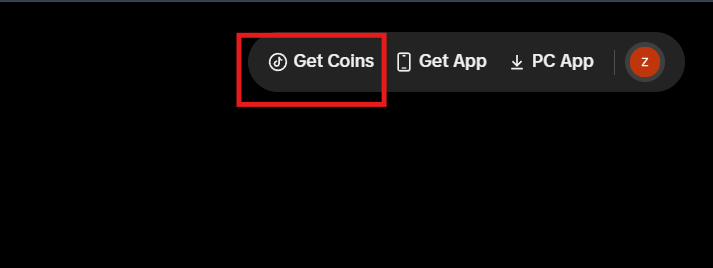
- Go to your profile and tap on “Get coins.”
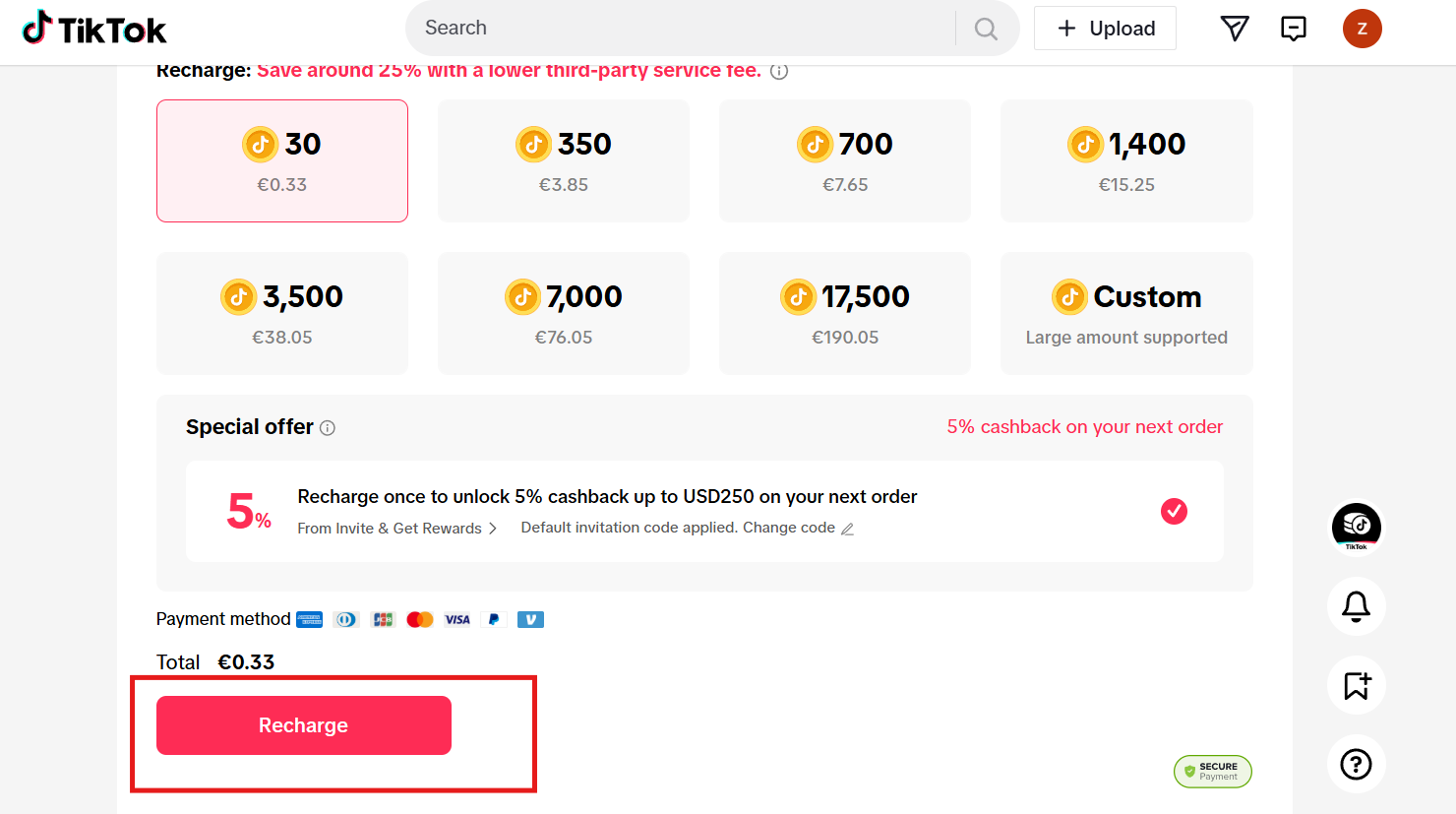
- Select the quantity of coins (e.g., 30, 350, 700 coins).
- Select “Recharge.”
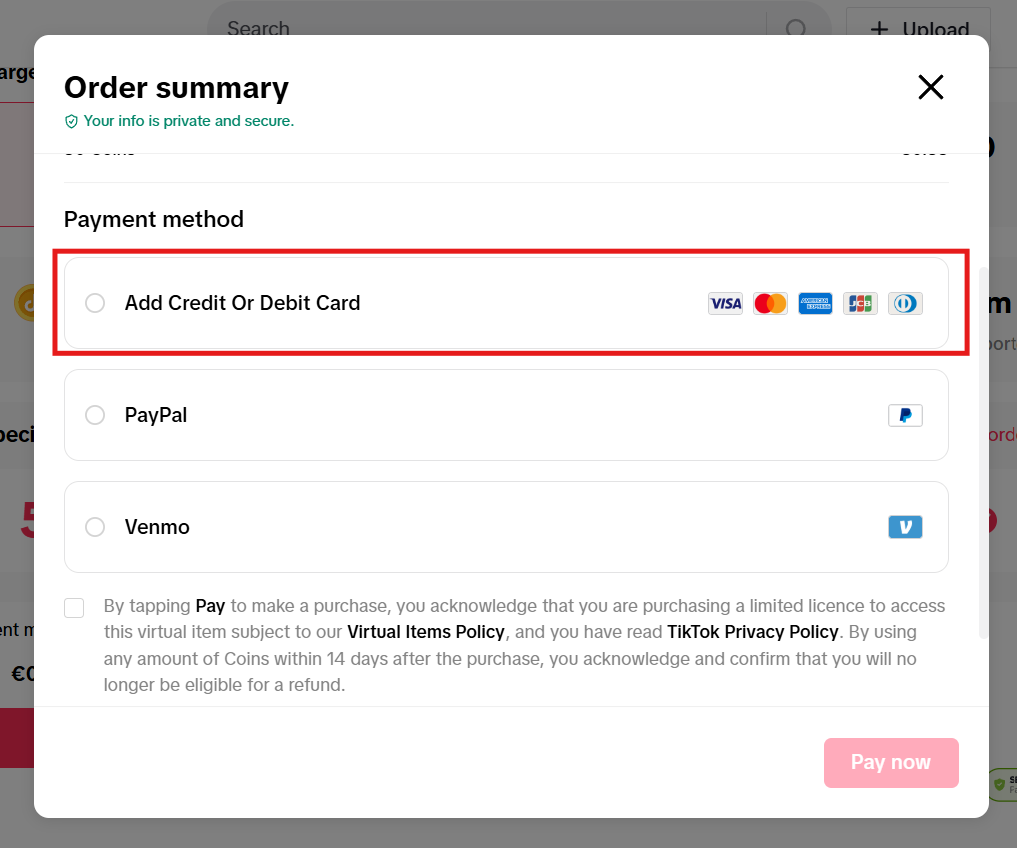
- Choose “Add Card.”
- Go to the Kazawallet app and copy your card details (Number, Expiry Date, CVV). (For more details, read: How to show Kazawallet card details).
- Review our guide on how to fill in the Kazawallet card billing address to ensure the process is successful.
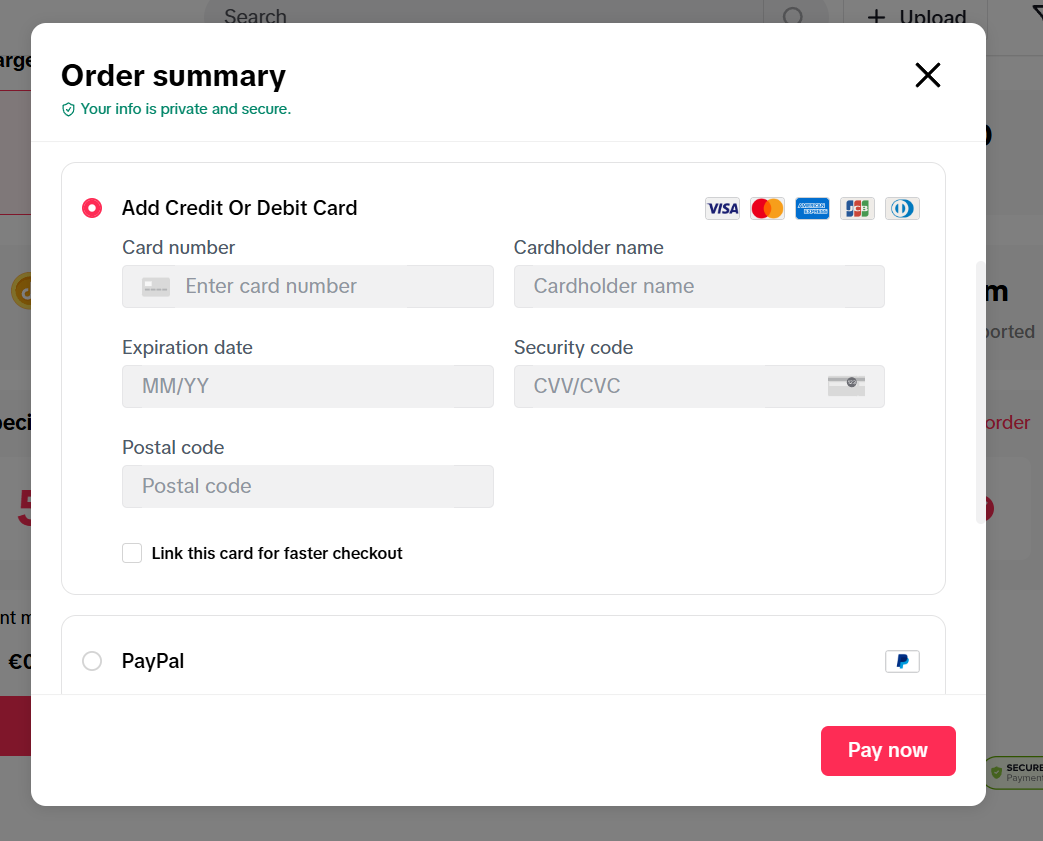
- Confirm the transaction.
Frequently Asked Questions (FAQ)
Does the Kazawallet card work in Syria for TikTok subscriptions/ads?
Yes. Once the card is issued and funded with crypto, you can use it to activate services from within Syria without needing a traditional bank account.
Which cryptocurrencies are supported for depositing and funding the card?
Kazawallet supports major coins such as Bitcoin, Ethereum, USDT, USDC, SOL, BNB, and LTC. You can deposit any of these, convert to a balance (USD/USDT/USDC), and top up the card.
Can I use the Kazawallet card to buy in a different currency (e.g., TRY, AED, EUR)?
Yes. The card is a global Visa. You deposit in USDT, USDC, or USD and can pay in any currency. Note that a Foreign Exchange Fee (FX Fee of 2.5%) applies if the payment is in a currency other than USD.
What is the Next Step?
Enjoy TikTok’s elite features and advertising power now without financial barriers. Order your Kazawallet Virtual Visa now and start activating your TikTok services with crypto immediately!