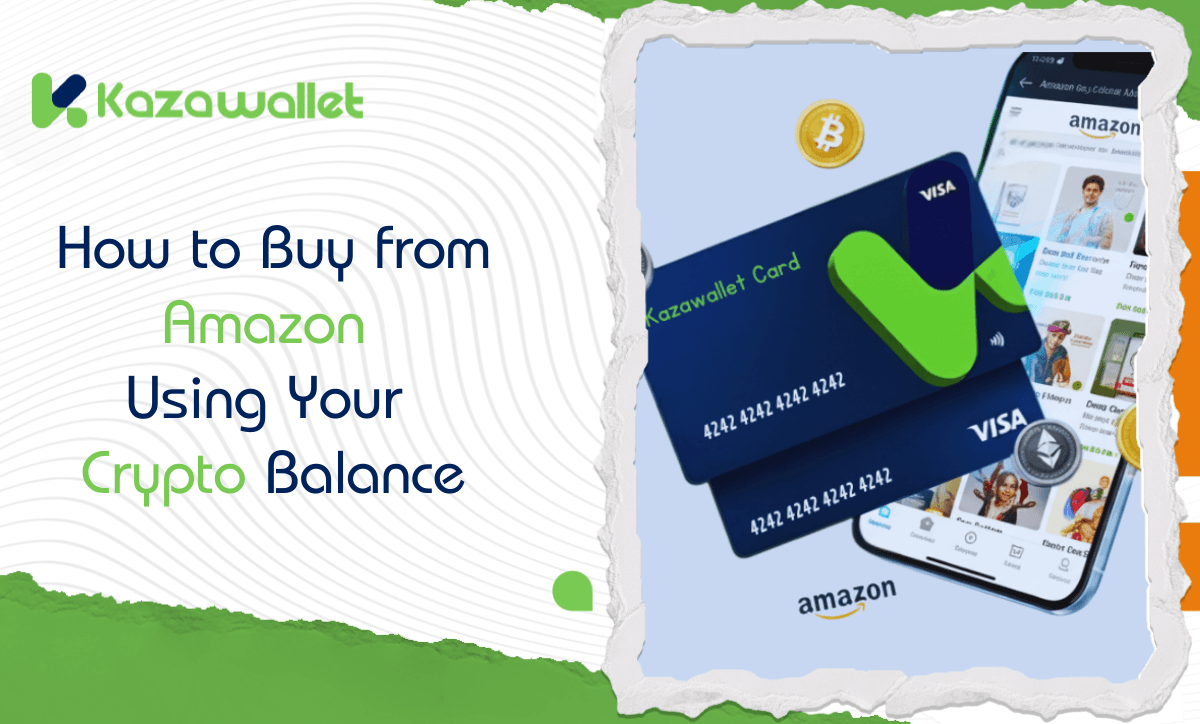
Amazon is the place where you can find almost everything. But what if you’d prefer to use your crypto to pay for these purchases instead of using your traditional bank account?
The only obstacle is that Amazon does not support direct crypto payments.
In this guide, we will explain how to use the Kazawallet card as a financial bridge to exchange your digital balance into an accepted payment method that Amazon recognizes instantly, enabling you to buy from Amazon With Crypto with ease, whether you use the Basic Card or the Plus Card.
Why is the Kazawallet card the best choice for shopping on Amazon?
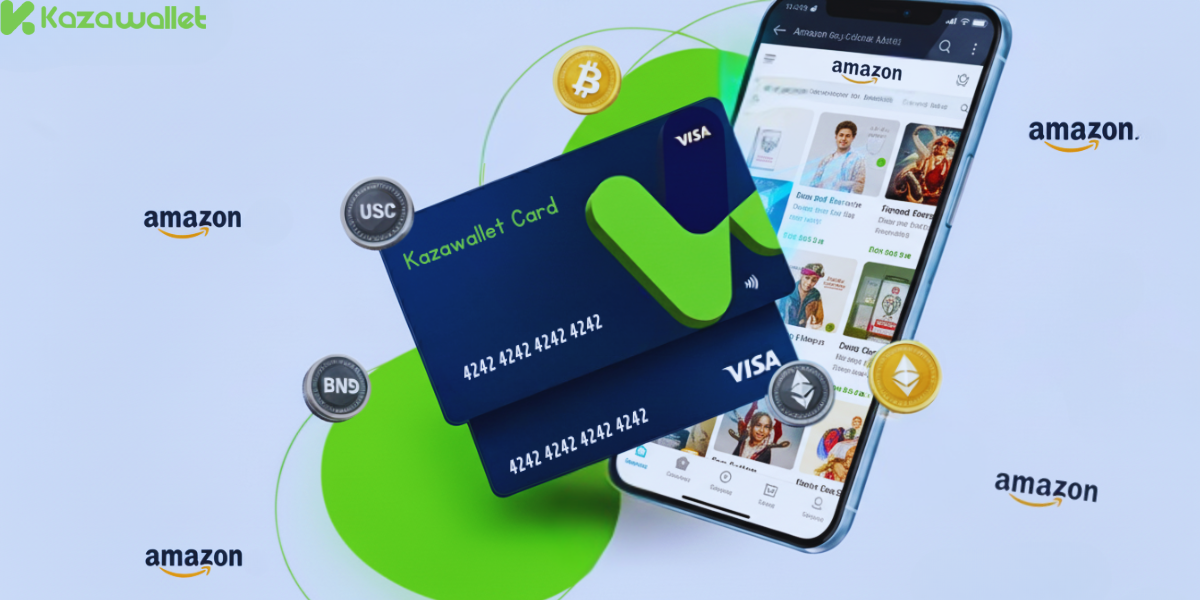
You need a secure card to spend your crypto balance on real products, and the Kazawallet card is designed for this:
- Convert crypto into shopping balance: You can deposit your crypto earnings (USDT, BTC…) into Kazawallet, convert them to a (USD/USDT/USDC) balance, and use it directly to pay on Amazon with USDT.
- Manage your shopping budget: Want to spend only from your crypto profits? You can top up the card with the amount you want (minimum $10), freeze the card after topping up, and unfreeze it when needed.
- Suitable shopping limits: Whether you’re buying an expensive item or daily essentials, the high daily limit ($200,000) covers all your purchases.
- Added Protection: The card is protected by (3D Secure), which means when you pay, you’ll receive an (OTP) code to your registered email to confirm the transaction and prevent fraud.
You can read the full guide on Kazawallet card features, fees, and limits
What do you need to buy from Amazon with crypto?
- A verified Kazawallet account: To use deposit and card services, your account must be fully verified (KYC).
- Crypto balance: Whether this balance is already in your Kazawallet (like BTC, ETH, SOL…), or you have crypto in an external wallet that you will deposit now for free.
- Kazawallet card: The virtual card must be issued. (If you don’t have one, follow the guide on how to issue a Kazawallet card.)
- An Amazon account.
How to Buy from Amazon Using Crypto
To be able to buy from Amazon with crypto, you will fund your Kazawallet card with crypto, and then use it directly in the payment process.
Stage 1: Prepare Your Kazawallet Card
In this stage, you will convert the crypto you own and want to spend into a (USD/USDT/USDC) balance ready for top-up.
- Deposit: Deposit the crypto you own (USDC, LTC, BNB, TRON, BTC, ETH, SOL, USDT, Toncoin) into your Kazawallet account. (Read How to Deposit Crypto into Kazawallet)
- Exchange: Go to the “exchange” section and exchange this crypto into a (USDT, USDC, or USD) balance.
- Top-up the Card: Top up your Kazawallet card with the balance you got from the previous conversion.
This way, your card is loaded with a balance that comes from your crypto, ready for shopping.
Stage 2: Buying from Amazon
- Log in to your Amazon account.
- Add the products you want to your “Shopping Cart”.
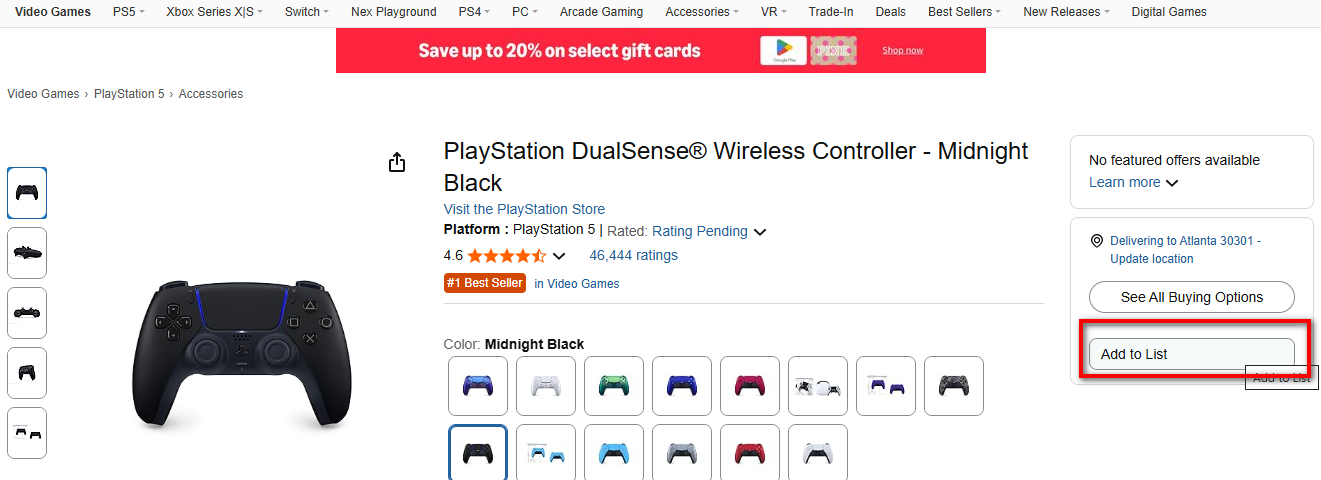
- Enter the required shipping address information.
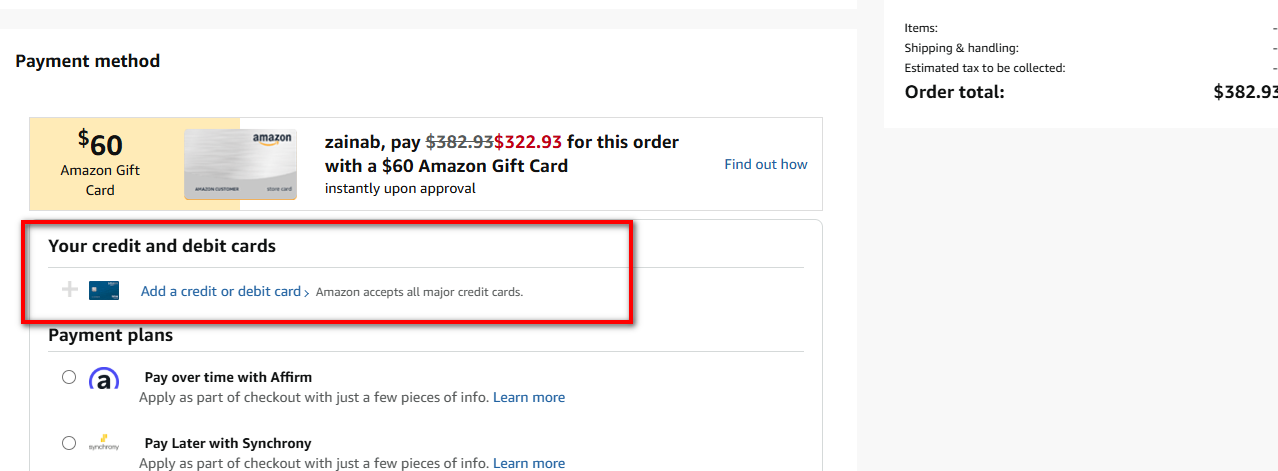
- On the (Payment Method) page, choose (Add a credit or debit card).
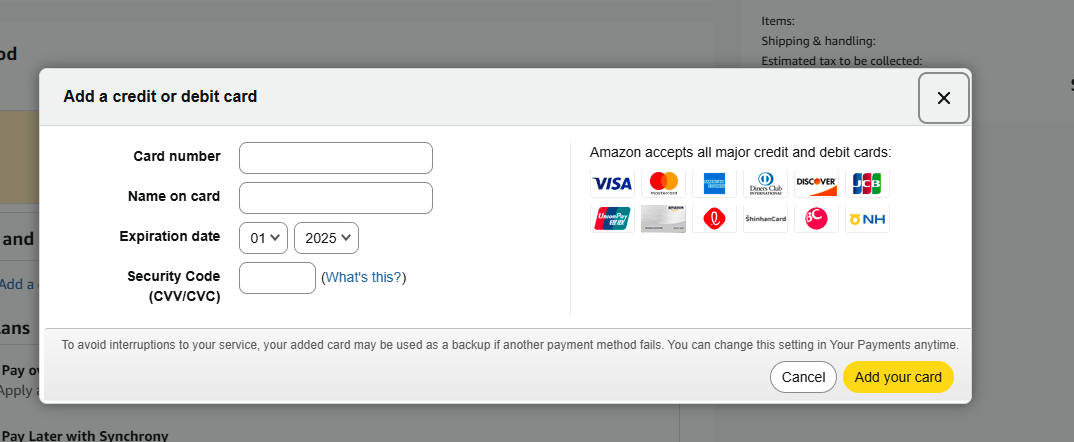
- Go to the Kazawallet app and copy your card details to enter them (Number, Name, Expiry Date, and CVV). (For more details, read: How to show Kazawallet card details).
Frequently Asked Questions (FAQ)
1- Does Amazon accept USDT or Bitcoin payments directly?
No, Amazon does not accept crypto directly. It requires a Visa card. The Kazawallet card is the solution, providing you with a Visa card that you can top up using crypto.
2- Is it safe to add this card to my Amazon account?
Yes, it is very safe. First, it is protected by (3D Secure). Second, you control it: you can top up only the amount you need, and freeze the card from the Kazawallet app after completing the purchase.
3- What crypto currencies are supported for depositing into a Kazawallet account and topping up the payment card?
Kazawallet supports many major currencies such as (Bitcoin, Ethereum, USDT, USDC, SOL, BNB, LTC) and others. You can deposit any of these and convert it to a (USD/USDT/USDC) balance and then top up the card.
4- Do the steps differ if I am buying from Amazon UAE (Amazon.ae)?
The principle is the same, but you will pay in UAE Dirhams, and the equivalent in Dollars will be deducted from your card, with a foreign transaction fee (2.5%) applied because the payment is not in Dollars.
We have dedicated a full guide for this store; you can read How to buy from Amazon UAE with digital currencies.
In Conclusion
The purchase process from Amazon is now complete.
The product you chose is on its way to you, and you used your crypto balance to complete the payment, just as you would have used any regular Visa card.